Back to Blog

7 AI Kitchen Design Ideas You Can Try Right Now

9 min readKitchen Design
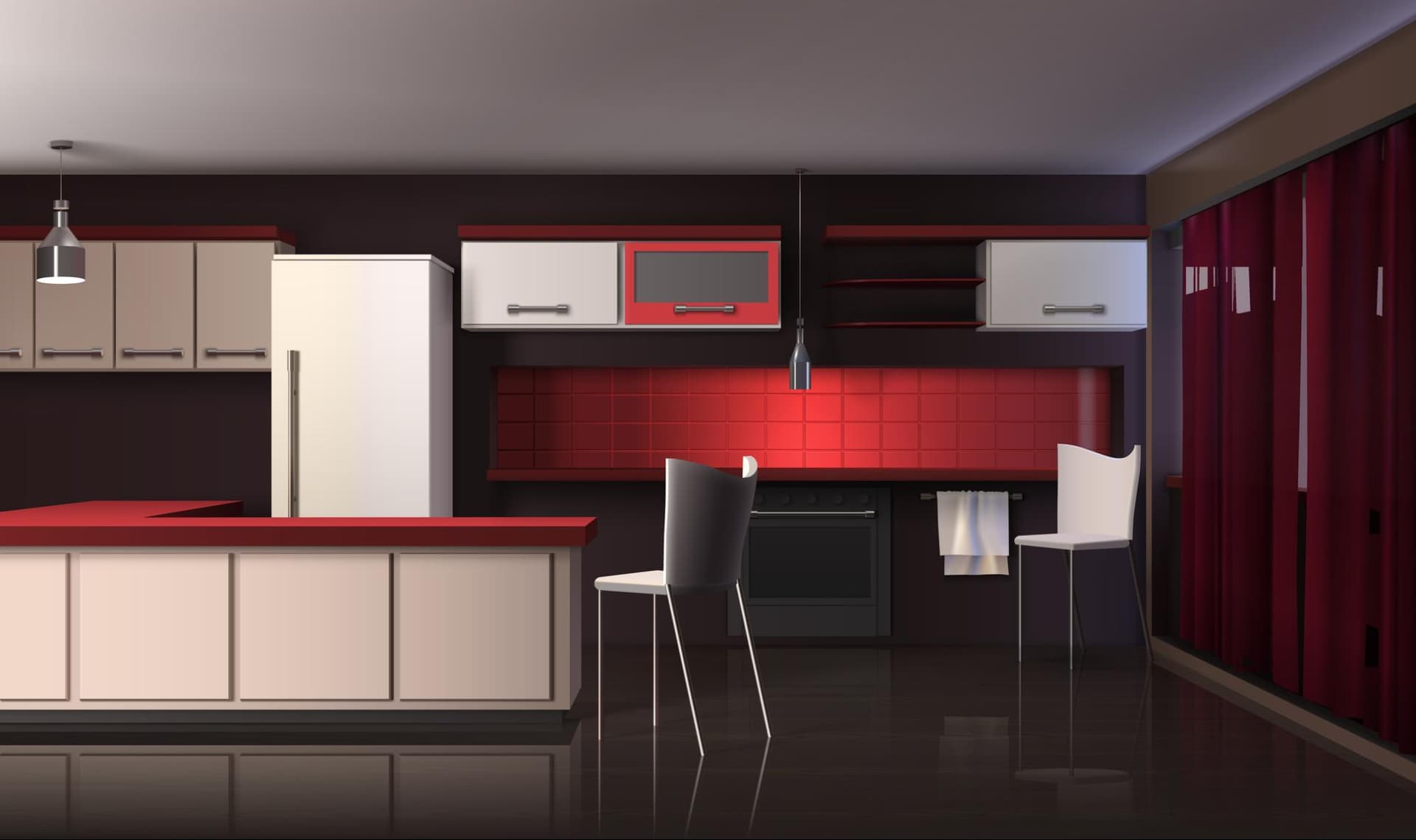
A modern kitchen being redesigned by artificial intelligence

How AI Room Design Tools Are Transforming Kitchen Renovations in 2026

Why AI Kitchen Design Is Changing the Way We Remodel

AI kitchen design has moved from a futuristic concept to an everyday reality for millions of homeowners. Whether you are planning a full-scale renovation or simply want to visualize a fresh color scheme before buying a single can of paint, artificial intelligence now makes it possible to see your dream kitchen in seconds — not weeks.

The numbers behind this shift are staggering. The global AI in interior design market was valued at approximately $3.28 billion in 2025 and is projected to surpass $15 billion by 2033, growing at a compound annual growth rate exceeding 20%. Meanwhile, kitchen remodels remain the most popular home improvement project in the United States, with average costs ranging from $25,000 to $50,000. That financial commitment explains why so many homeowners now turn to AI room design tools before committing to contractors, countertops, or cabinetry.

Platforms like Decory.ai let users upload a room photo or enter room dimensions and instantly receive AI-generated design transformations across multiple styles. This approach eliminates the guesswork, reduces costly mistakes, and puts professional-quality visualization into the hands of anyone with a smartphone.

In this guide, we break down seven AI kitchen design ideas you can try right now — practical, inspiring concepts that leverage AI interior design technology to help you reimagine the most important room in your home.

Key Takeaway: AI kitchen design tools allow homeowners to upload a photo, choose a style, and receive realistic room transformations in seconds — saving thousands of dollars in potential design mistakes before a single renovation dollar is spent.

1. Test a Complete Kitchen Style Overhaul With AI Room Design

The most powerful application of AI kitchen design is visualizing a total style transformation. Instead of browsing hundreds of Pinterest boards and hoping things come together, you can upload a photo of your current kitchen and see it rendered in modern farmhouse, minimalist Scandinavian, industrial chic, coastal, or any other aesthetic within moments.

According to the 2025 Houzz Home Study, more than 80% of homeowners changed the style of their kitchen during renovation. The most popular choices were transitional, modern, and contemporary — but preferences vary widely by region, age, and personal taste. AI room design tools solve the visualization problem by showing you exactly how each style looks in your specific space, with your actual dimensions, lighting, and architectural features.

Decory.ai excels here by offering a wide range of style presets. Upload your kitchen photo, select a design theme, and the AI generates multiple realistic variations. You can compare a sleek contemporary look against a warm bohemian feel or a classic transitional design — all within minutes.

Why This Works

Traditional mood boards are two-dimensional and abstract. AI-generated kitchen visualizations are grounded in your real space, which means the proportions, colors, and materials you see on screen translate far more accurately to the finished room. This reduces decision fatigue and helps homeowners commit to a direction with confidence.

2. Experiment With Bold Cabinet Colors Using AI Kitchen Design From Photo

Experiment With Bold Cabinet Colors Using AI Kitchen Design From Photo

Cabinetry dominates the visual footprint of any kitchen. According to recent Houzz survey data, white cabinets still lead at roughly 40% of renovated kitchens, but wood-toned cabinets have gained significant ground, and darker shades like black and deep navy are trending upward. The challenge is that repainting or replacing cabinets is expensive and irreversible.

AI kitchen design from photo technology solves this by letting you test dramatic color changes digitally. The process is straightforward — you upload a photo of your kitchen, and AI tools will recolor cabinets, swap finishes, and adjust hardware — giving you a photorealistic preview of how deep emerald green, matte black, or warm walnut would look in your actual kitchen.

This is particularly valuable for homeowners who are drawn to bold trends but hesitant to commit. Seeing navy blue cabinets against your existing backsplash and countertop in a realistic rendering is infinitely more useful than imagining it from a paint swatch.

3. Reimagine Your Kitchen Layout Without Hiring an Architect

Reimagine Your Kitchen Layout Without Hiring an Architect

Layout changes represent the most expensive and complex part of kitchen renovation. Moving plumbing, electrical, or load-bearing walls can push costs well beyond $65,000 for a major remodel. Yet layout is also where the biggest functional improvements happen — converting a galley kitchen to an L-shape, adding an island, or opening the space to an adjacent dining area.

An AI room decorator allows homeowners to explore layout alternatives visually. By uploading room dimensions or a photo, the AI can generate renderings that show how different configurations would look and feel. You can see whether an island fits comfortably, whether an open-plan concept preserves enough counter space, or whether a peninsula creates better flow than a standalone island.

This type of AI interior design exploration used to require paid consultations with architects or kitchen designers, often costing $150 to $300 per hour. AI visualization delivers similar conceptual clarity in minutes, empowering homeowners to walk into contractor meetings with informed preferences rather than vague ideas.

4. Preview Countertop and Backsplash Combinations in Real Time

Preview Countertop and Backsplash Combinations in Real Time

Countertops and backsplashes are the second and third most commonly updated kitchen elements, upgraded in 91% and 86% of kitchen renovations respectively. The material options are vast — quartz, granite, marble, butcher block, ceramic tile, natural stone, glass mosaic — and the combinations are nearly infinite.

AI kitchen design tools allow you to swap materials digitally and see how different pairings interact with your existing or planned cabinetry, flooring, and lighting. Want to see how a waterfall-edge quartz island looks beside a herringbone marble backsplash? Upload your kitchen photo, adjust the materials, and get a realistic preview.

The financial stakes are real. Premium countertop materials can cost between $50 and $200 per square foot installed. Backsplash tile adds another $10 to $80 per square foot depending on material. When a single kitchen might require 30 to 50 square feet of countertop and 20 to 30 square feet of backsplash, the total investment in surfaces alone can reach $5,000 to $12,000 or more. AI visualization helps homeowners make these expensive decisions with far greater confidence.

5. Design a Smart Kitchen With AI-Powered Appliance Placement

Design a Smart Kitchen With AI-Powered Appliance Placement

Smart home adoption continues to accelerate. Industry data shows that smart home security solution usage among internet users grew from 17% in 2022 to 30% in 2024 in some markets, and kitchen technology is a major driver of this trend. From smart refrigerators with internal cameras to voice-controlled ovens and automated lighting systems, the modern kitchen increasingly relies on connected technology.

AI room design tools can help homeowners visualize how smart appliances integrate into their kitchen layout. Rather than guessing whether a 36-inch smart refrigerator will overwhelm a compact galley kitchen, or whether under-cabinet smart lighting will complement or clash with pendant fixtures, AI rendering provides a clear answer.

This matters because appliance placement affects workflow, traffic flow, and the overall cooking triangle — the spatial relationship between your refrigerator, stove, and sink that professional designers have optimized for decades. AI interior design platforms bring this professional knowledge into a consumer-friendly interface, making it easy to test different appliance configurations before ordering anything.

6. Visualize Open-Concept Kitchen Renovations Before Breaking Walls

Visualize Open-Concept Kitchen Renovations Before Breaking Walls

Opening a kitchen to adjacent living spaces remains one of the most popular renovation trends. According to the 2023 Houzz Kitchen Trends Study, 20% of renovating homeowners made their kitchens more open to the outdoors, and an even larger percentage opened walls to dining rooms or living areas. But tearing down walls is irreversible and expensive — especially if structural modifications are required.

With AI interior design from photo technology, homeowners can visualize what an open-concept renovation would look like before any demolition begins. Upload your current kitchen photo along with adjacent room photos, and AI tools can composite a realistic rendering of the combined space. You can see sight lines, evaluate how natural light changes, and assess whether the open layout creates the airy, connected feel you are hoping for — or whether it exposes areas you would rather keep hidden.

This pre-visualization step can save homeowners thousands of dollars. If the AI rendering reveals that an open-concept layout makes the kitchen feel smaller (a common surprise with narrow spaces), you can pivot to alternative solutions — like a pass-through window or widened doorway — before paying for structural engineering and demolition.

7. Use AI Room Design Free Tools to Create a Renovation Mood Board

Not every homeowner is ready to commit to a full renovation. Many are in the early inspiration phase — collecting ideas, comparing styles, and slowly building a vision for their ideal kitchen. AI room design free tools are perfect for this stage because they lower the barrier to exploration.

Platforms like Decory.ai offer accessible AI room design capabilities that allow users to generate multiple design variations from a single photo. This effectively creates a digital mood board grounded in your actual space rather than generic inspiration images. You can save your favorite AI-generated designs, share them with family members or partners, and use them as reference material when you eventually meet with contractors or designers.

The 2025 Mattoboard State of AI and Interior Design Report found that 82% of professional designers now use AI regularly, and 76% believe AI will have a positive impact on the field. If professionals are embracing these tools, there is no reason homeowners should not take advantage of them during the planning phase.

How to Redesign Your Kitchen Using AI: A Step-by-Step Guide

Ready to see your kitchen transformation? Follow these steps to get started with AI kitchen design today:

Step 1: Photograph Your Current Kitchen

Take a well-lit, straight-on photo of your kitchen from the most representative angle. Natural light works best. Make sure the photo captures the main elements — cabinets, countertops, appliances, and flooring. Some AI tools also accept room dimensions for more accurate results.

Step 2: Choose Your AI Interior Design Platform

Select a platform that supports photo-based AI room design. Decory.ai allows you to upload both photos and room dimensions, giving the AI more data to generate accurate transformations. Look for platforms that offer multiple style options and realistic rendering quality.

Step 3: Upload and Select Your Design Style

Upload your kitchen photo to the platform. Browse the available design styles — modern, farmhouse, Scandinavian, industrial, bohemian, coastal, and more. Select one or experiment with several to see how each aesthetic translates to your space.

Step 4: Review AI-Generated Variations

The AI will generate one or more design variations based on your photo and selected style. Review each variation carefully. Pay attention to how the AI handles your specific architectural features — window placement, ceiling height, doorways, and spatial proportions.

Step 5: Refine and Iterate

Most platforms let you adjust specific elements. Swap cabinet colors, try different countertop materials, or change the flooring. Each iteration brings you closer to a design that feels right. Decory.ai's editable design feature lets you modify specific areas within generated images for granular control.

Step 6: Save and Share Your Favorites

Save the designs that resonate most. Share them with family members for feedback, or use Decory.ai's community sharing feature to get perspectives from other design enthusiasts. This step often reveals preferences you had not consciously considered.

Step 7: Use Your AI Designs as a Renovation Blueprint

Take your favorite AI-generated designs to your contractor or kitchen designer. These visual references communicate your vision far more effectively than verbal descriptions or Pinterest links. Contractors report that clients who arrive with clear visual references experience fewer change orders and smoother project timelines.

Frequently Asked Questions About AI Kitchen Design

What is AI kitchen design and how does it work?

AI kitchen design uses artificial intelligence algorithms to analyze a photo of your kitchen or room dimensions and generate realistic design transformations. You upload an image, select a style or make specific requests, and the AI produces photorealistic renderings showing how your kitchen would look with different colors, materials, layouts, and furnishings.

Can I use AI to design my kitchen for free?

Yes. Several AI room design free tools are available, including Decory.ai, which allows users to upload kitchen photos and generate AI-powered design variations. Free tiers typically offer a limited number of designs per month, while paid plans unlock additional styles, higher resolution outputs, and advanced features like editable design zones.

How accurate are AI kitchen design renderings?

Modern AI kitchen design tools produce remarkably realistic renderings, especially when given high-quality input photos and accurate room dimensions. While AI-generated images should not replace final architectural plans, they provide an excellent approximation of how design choices will look in your actual space — accurate enough to guide material selections, color decisions, and layout planning.

Is AI interior design replacing human designers?

No. AI interior design tools complement human designers rather than replacing them. According to the 2025 Mattoboard report, 82% of professional designers use AI regularly, viewing it as a productivity multiplier. AI excels at rapid visualization and style exploration, while human designers bring expertise in spatial problem-solving, building codes, material quality assessment, and personalized client relationships.

How much money can AI kitchen design save on renovations?

AI kitchen design can save homeowners thousands of dollars by preventing costly design mistakes. With approximately 40% of remodeling projects exceeding their original budget — often due to mid-project changes — AI visualization helps homeowners finalize decisions before construction begins. By reducing change orders and material returns, the savings can range from $2,000 to $10,000 or more depending on the project scope.

Can AI design a kitchen from just a photo?

Absolutely. AI kitchen design from photo technology is one of the most popular features of modern design platforms. You simply upload a clear, well-lit photo of your kitchen, and the AI analyzes the spatial elements — walls, cabinets, counters, flooring, lighting — and generates transformed versions in your chosen style.

Transform Your Kitchen With AI Design — Start Today

AI kitchen design has evolved from experimental technology to an essential planning tool for homeowners and professionals alike. The seven ideas outlined in this guide — from complete style overhauls to smart kitchen visualization, open-concept planning, and material experimentation — represent just a fraction of what is possible when you combine artificial intelligence with interior design.

The data tells a compelling story. The AI interior design market is growing by more than 20% annually. Kitchen renovations remain the most popular and most expensive home improvement project. And tools like Decory.ai are bridging the gap between expensive professional consultations and the uncertainty of renovating without a visual plan.

Whether you are weeks away from a major renovation or simply dreaming about what your kitchen could become, AI room design tools give you the power to explore, experiment, and decide — without risk, without cost, and without commitment. Try Decory.ai today, upload a photo, and see the transformation. Your dream kitchen might be closer than you think.

Ready to Transform Your Space?

Use Decory's AI-powered design tools to visualize your transformation. Upload a photo and explore endless possibilities in seconds.

Try Decory AI Now

Related Articles

Explore Decory AI Design Tools