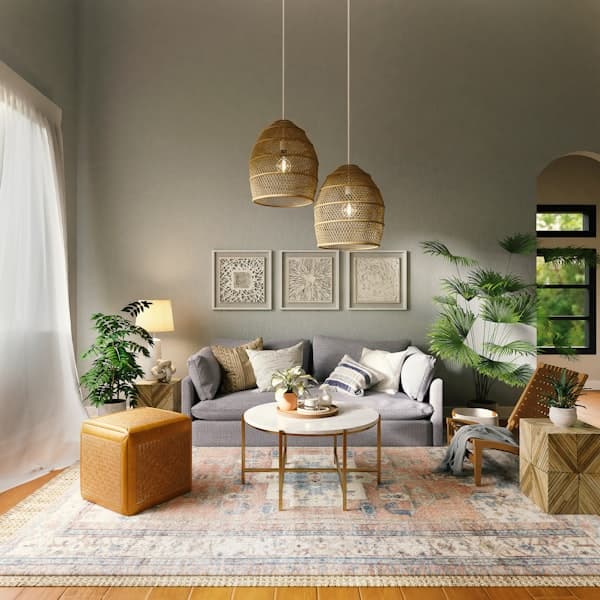
AI Home Design Ideas: Transform Your Entire Living Space
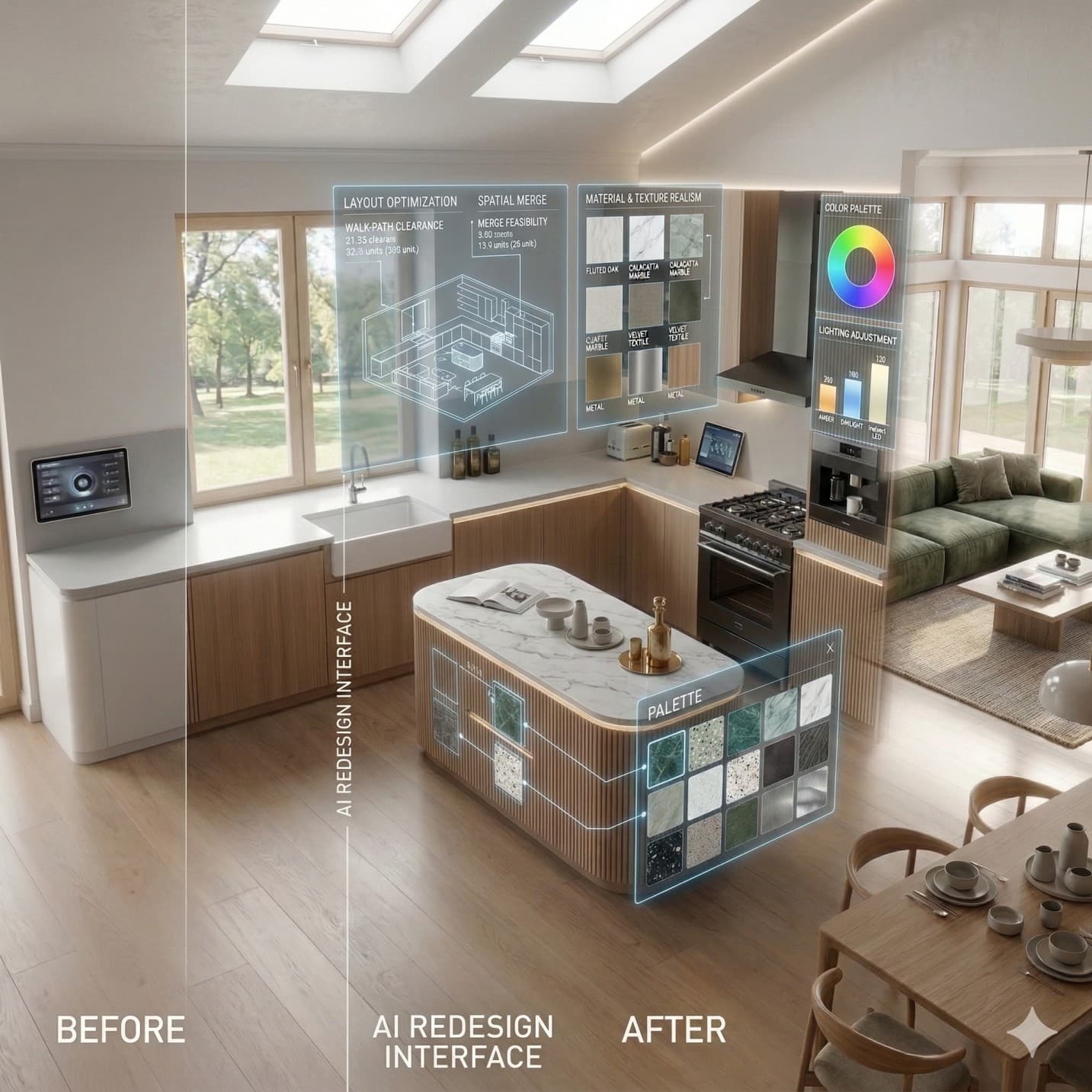
Designing a whole home used to require months of planning, expensive professionals, and a strong tolerance for uncertainty. AI home design has changed that equation completely.
AI home design platforms — like Decory.ai — now allow any homeowner to upload a room photo, select a style direction, and see a realistic transformation in under a minute. The global interior design software market was estimated at $5.37 billion in 2024 and is projected to reach $9.66 billion by 2030, growing at a compound annual growth rate of 10.3%.
This guide covers everything you need to know about AI home design: how the technology actually works, what it can and cannot do, a practical room-by-room strategy, and a step-by-step implementation process you can start today.
Definition
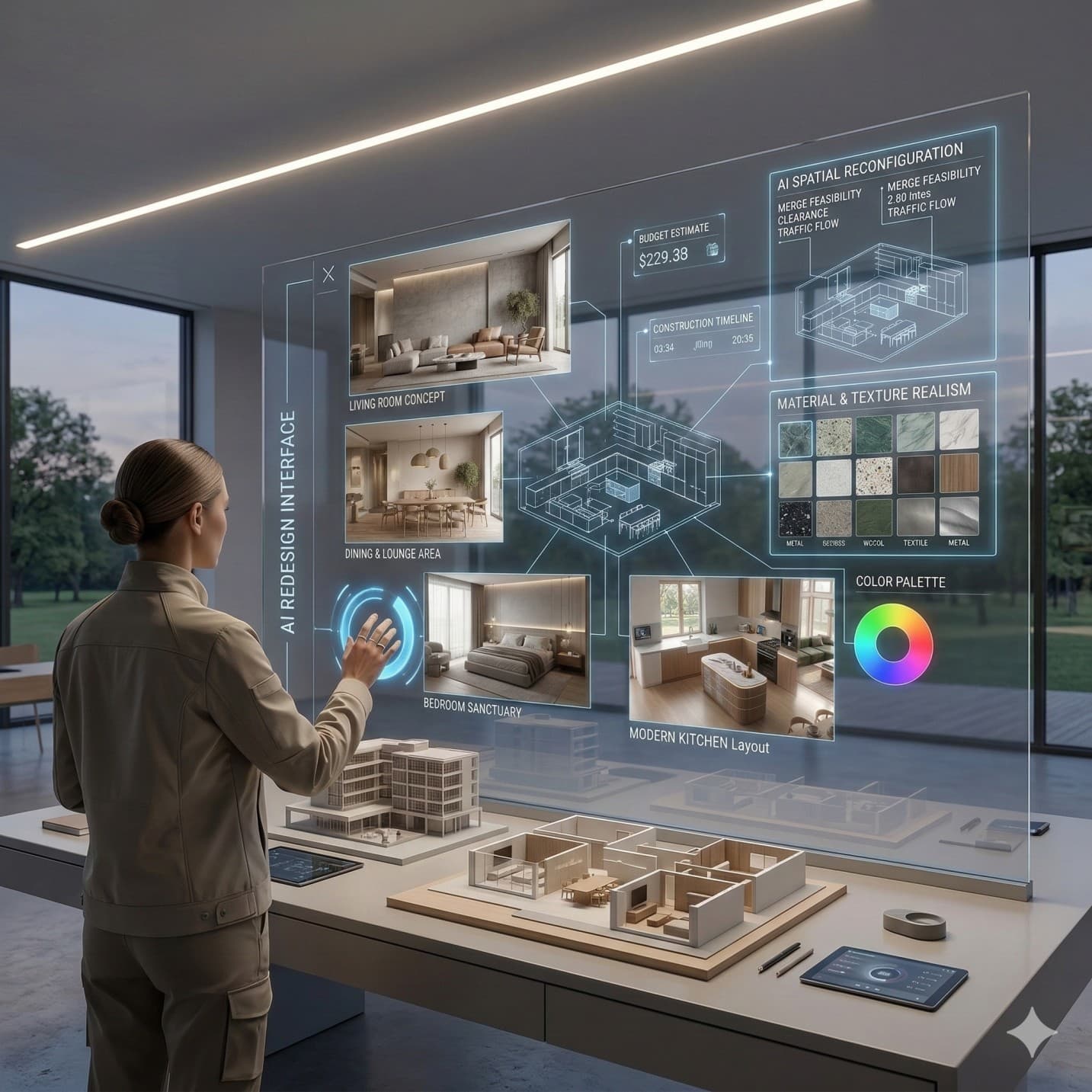
AI home design is the application of computer vision, generative AI, and style classification models to produce interior design visualizations from room photos or dimension inputs. What was once called an AI room decorator has evolved into a full design planning system — one that can handle everything from a single bedroom refresh to a coordinated whole-home renovation strategy.
Whole-Home Design vs. Room-by-Room: Why Coordination Is the Variable Most Homeowners Miss
Interior design decisions almost always begin with a single problem space. A kitchen that never felt right. A living room that lacks personality. A bedroom that still has the same furniture from a decade ago. The problem with this sequential approach is that it produces homes that look like a collection of separate experiments rather than a coherent whole.
Whole-home coordination has direct financial consequences, not just aesthetic ones. When homeowners design without a master plan, they frequently repurchase furniture, repaint rooms multiple times, and make expensive material choices that clash with adjacent spaces. According to the 2024 U.S. Houzz & Home Study (n=17,713 renovating homeowners), 56% of homeowners renovated in 2023 with a specific design plan in mind — and those with plans reported significantly fewer mid-project changes and lower final costs.
That planning-to-construction ratio is the single most important argument for AI visualization tools. When planning takes minutes rather than months, homeowners are far more likely to develop a coordinated whole-home vision before spending a dollar on materials.
How AI Home Design Tools Actually Work: The Technical Foundation
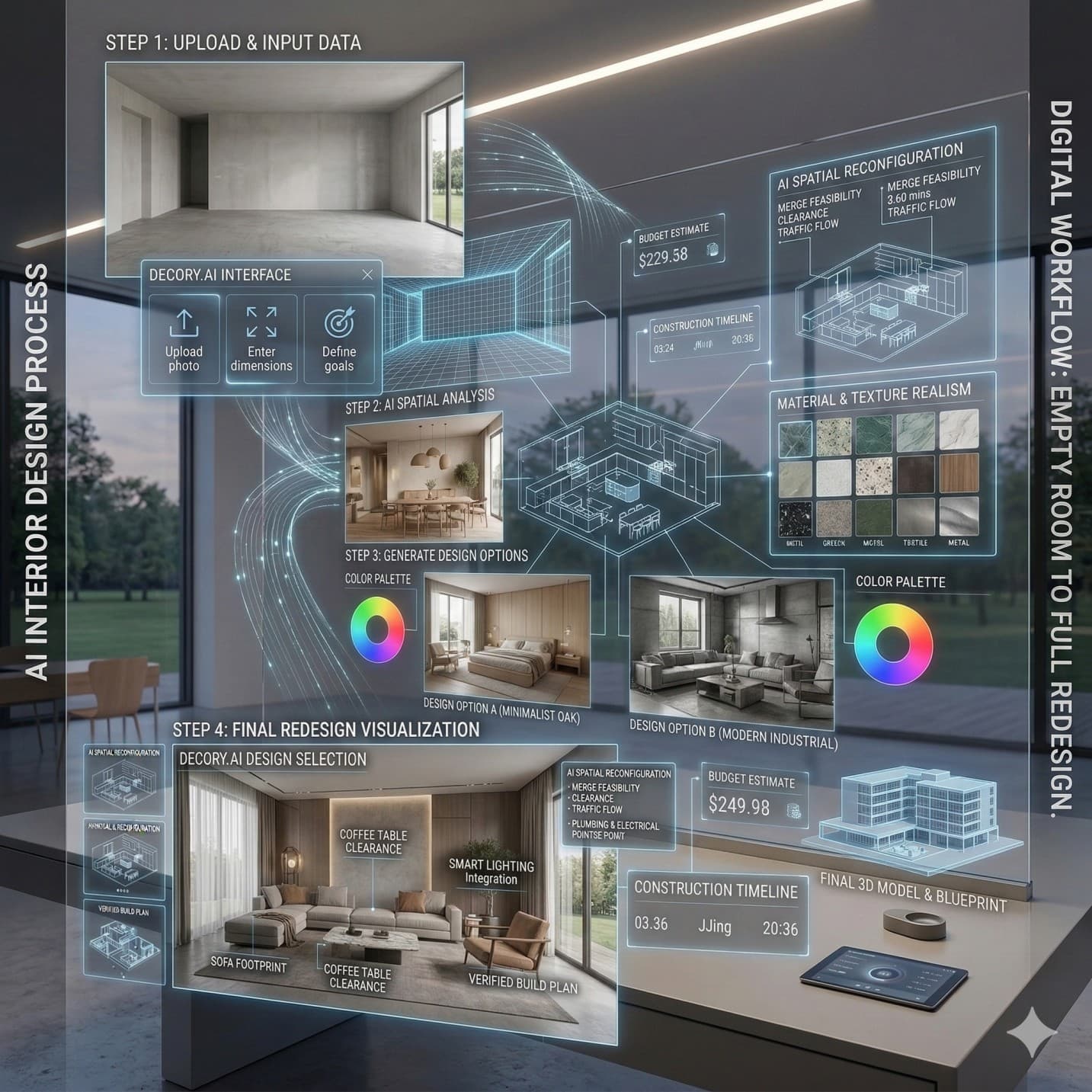
Understanding the technology behind AI interior design tools helps you use them more effectively — and helps you set appropriate expectations for what they can deliver. AI home design tools combine computer vision (which analyzes uploaded room photos to identify walls, furniture, windows, and spatial relationships), generative AI (which produces the design transformation), and style classification models (which translate style labels like "Japandi" or "modern farmhouse" into specific visual outputs).
Computer Vision: How the AI Reads Your Room
When you upload a photo to an AI design platform, the first process is scene analysis. The AI classifies each pixel as belonging to a wall surface, floor, ceiling, window, door, or specific furniture item. This segmentation map becomes the spatial constraint within which the generative model operates. Computer vision algorithms applied to interior design perform two core functions: object identification (using image segmentation to map what exists in the room) and spatial reasoning (understanding relative scale, depth, and proportion from a 2D image).
Generative AI: Producing the Design Transformation
Once the scene analysis is complete, a generative AI model — typically a diffusion model trained on large datasets of professionally designed interiors — produces the design transformation. The generation process synthesizes two inputs: the spatial constraints identified by computer vision (walls stay where they are, windows remain in position) and the style parameters selected by the user. The result is a photorealistic rendering that respects your room's architecture while applying the chosen design aesthetic.
AI interior design tools are highly accurate for visual planning and style exploration — the core use case. They produce realistic renderings that reliably communicate color relationships, material combinations, and furniture scale. For structural renovation work, AI outputs should be verified by professionals, but for the planning and visualization phase, modern tools are remarkably dependable.
Style Classification: Translating Preference into Design Language
When you select a style on a design platform, the AI does not simply apply a filter. Style classification models have been trained to recognize the distinctive visual signatures of dozens of design categories — specific color temperature ranges, furniture silhouettes, material textures, and spatial arrangements that define each aesthetic. This is why selecting "Japandi" produces fundamentally different outputs than selecting "Industrial" — even when applied to the same room photo.
Design Your Home in 5 Steps: A Practical Implementation Guide
Step 1 — Photograph Your Room to Maximize AI Accuracy
- Stand at a corner or in the doorway to capture the widest possible angle. Wide-angle shots give the AI the most complete spatial data to work with.
- Shoot during daylight. Natural lighting produces more accurate color temperature readings than artificial light, which can create orange or blue casts that confuse color analysis.
- Remove temporary items that don't reflect your room's permanent state — laundry baskets, temporary furniture, children's toys.
- Take at least two angles for any room over 200 square feet. Corner-to-corner and doorway shots together capture elements that a single angle misses.
Step 2 — Provide Dimensions for Spatial Accuracy
- Measure floor-to-ceiling height. This single measurement dramatically improves how the AI handles vertical proportions and furniture scale.
- Measure your two primary wall lengths. These constrain the AI's furniture suggestions to pieces that will actually fit.
- Note window and door placement with approximate dimensions. These are fixed architectural constraints that must be respected in any design.
- If you have an existing floor plan, some platforms accept direct upload — this provides the highest accuracy for furniture placement suggestions.
Step 3 — Select Style Directions Strategically
- Do not select just one style. Generate at least two or three for comparison — the contrast reveals what you actually respond to.
- Consider your whole-home direction. Your bedroom style should complement your living room, not contradict it.
- Use the design outputs as research tools. If you respond strongly to one result, identify the specific elements that appeal to you — the color temperature, the furniture profile, the material palette.
Step 4 — Generate, Compare, and Extract Insights
- Run generation for each style selection. Most platforms produce multiple variations per style — evaluate all of them before dismissing a direction.
- Evaluate outputs against your fixed constraints: what existing elements are you keeping? Flooring you've already replaced, structural elements that cannot move, furniture with sentimental value.
- Synthesize across outputs. The strongest final design often takes the color palette from one result, the furniture arrangement from another, and the material selections from a third.
Step 5 — Translate AI Outputs into an Action Plan
- Once you have your design direction confirmed, use your chosen AI output as a reference document in conversations with painters, contractors, and furniture retailers.
- Screenshot specific furniture and decor elements. Platforms like Decory provide direct shopping links to real products featured in AI-generated designs.
- Save all design outputs in your account for sharing with family members, contractors, or your interior designer.
Room-by-Room AI Design: Different Spaces, Different Strategies
Each room type presents distinct constraints and opportunities for AI design tools. Understanding these differences helps you get better results from each session.
Living Room
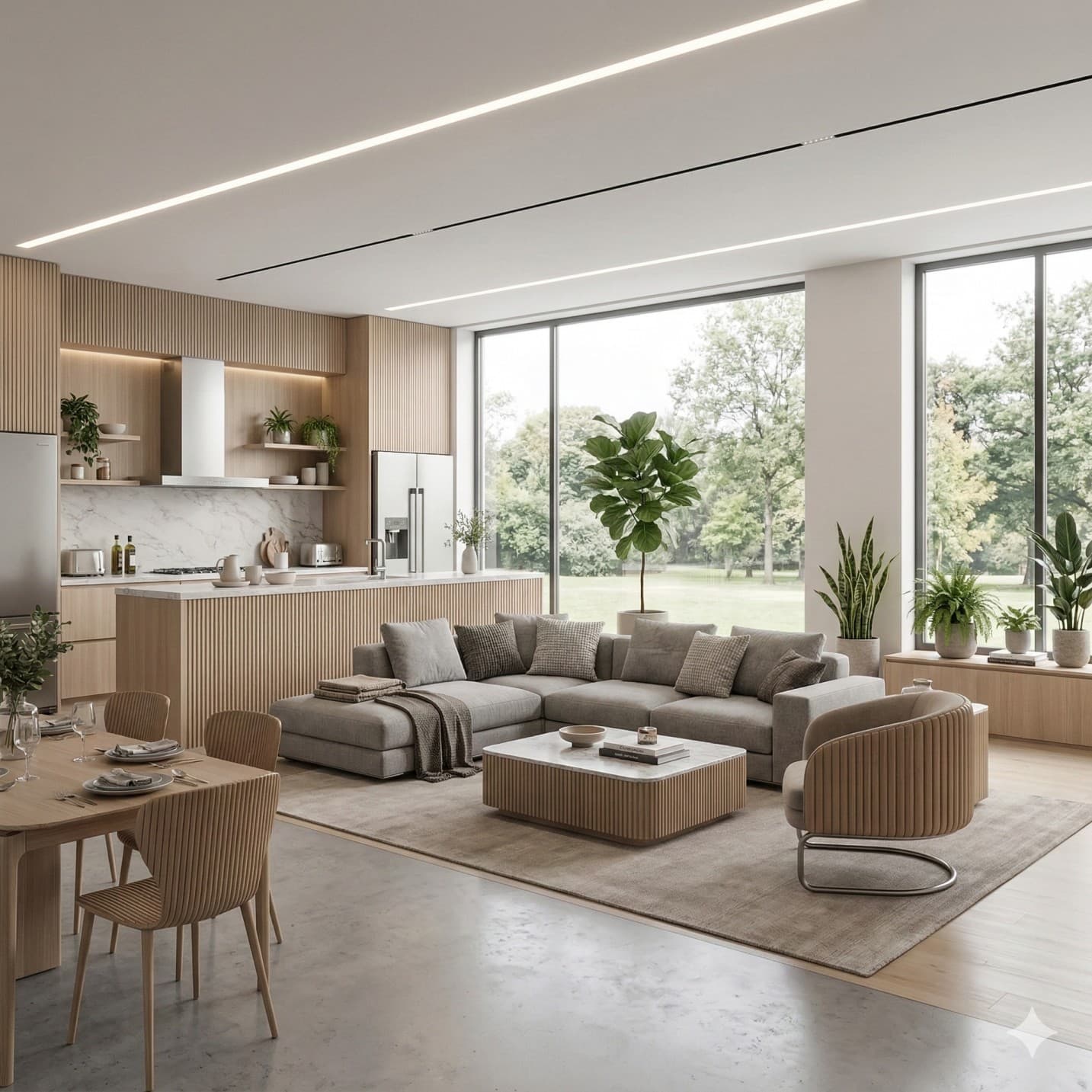
The living room carries the most design weight in a home. It is the primary social space, often the first room visitors see, and typically the most expensive to furnish. For living room AI design sessions:
- Generate at least three style variants before committing. Living rooms are the most expensive and disruptive to change after the fact.
- Prioritize traffic flow in your evaluation. An AI-generated layout may look stunning in a photograph but block natural pathways through the space.
- Test focal point strategies explicitly. Gallery wall vs. fireplace centering vs. large-format art — AI tools are particularly effective at communicating these distinctions.
Professional interior designers use AI tools primarily to accelerate the concept presentation phase. Rather than spending weeks creating mood boards manually, they use AI to generate initial concepts in hours, then refine based on client feedback. This workflow has reduced concept-to-approval timelines by 60–70% in many practices.
Kitchen
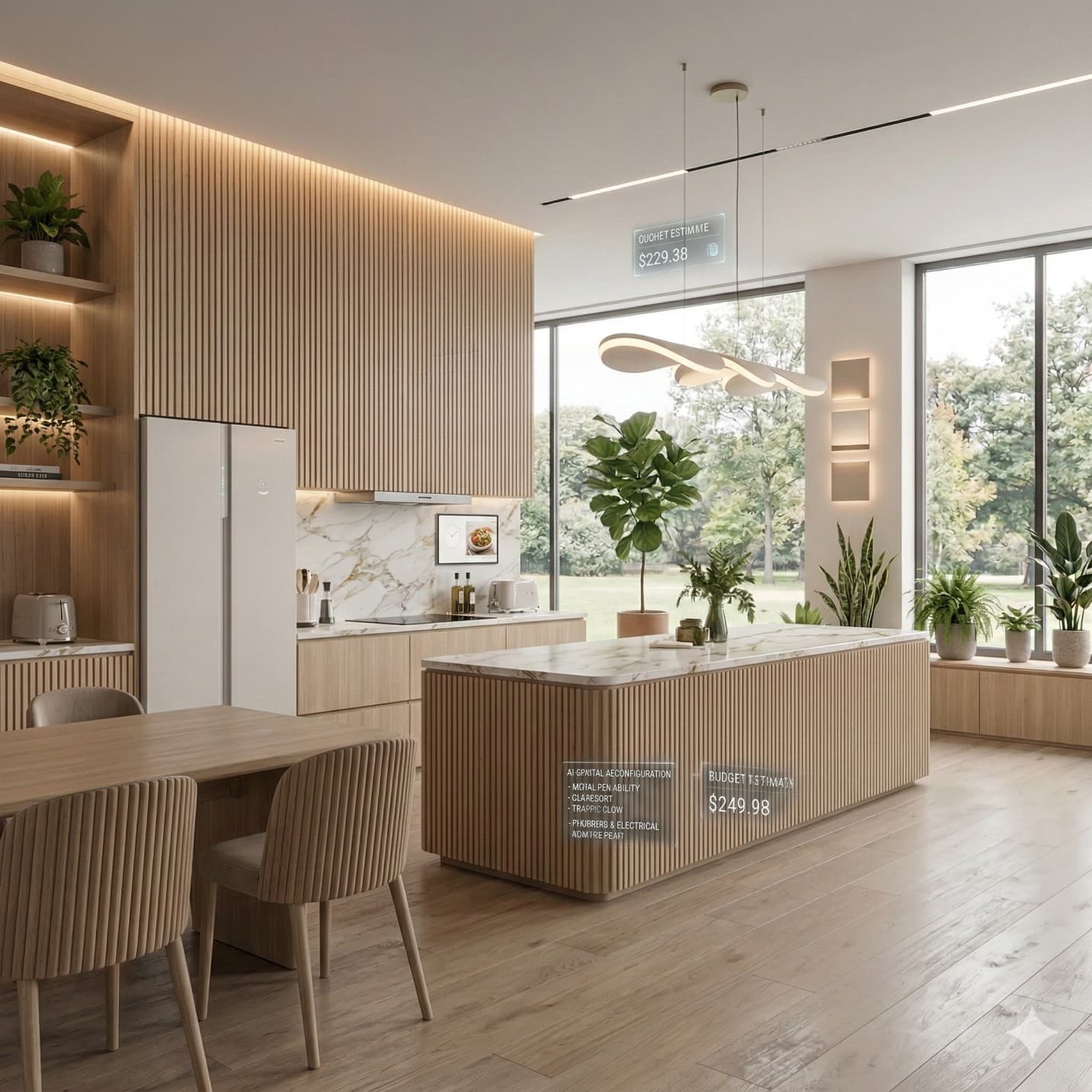
Kitchens are the most financially significant room in any renovation — and the one where poor decisions are costliest. According to the 2025 Cost vs. Value Report, minor kitchen remodels return 113% ROI. AI kitchen design is most valuable for testing: cabinet color and finish changes, countertop material combinations (quartz vs. marble vs. butcher block), backsplash pattern and scale, and appliance integration and placement.
Bedroom
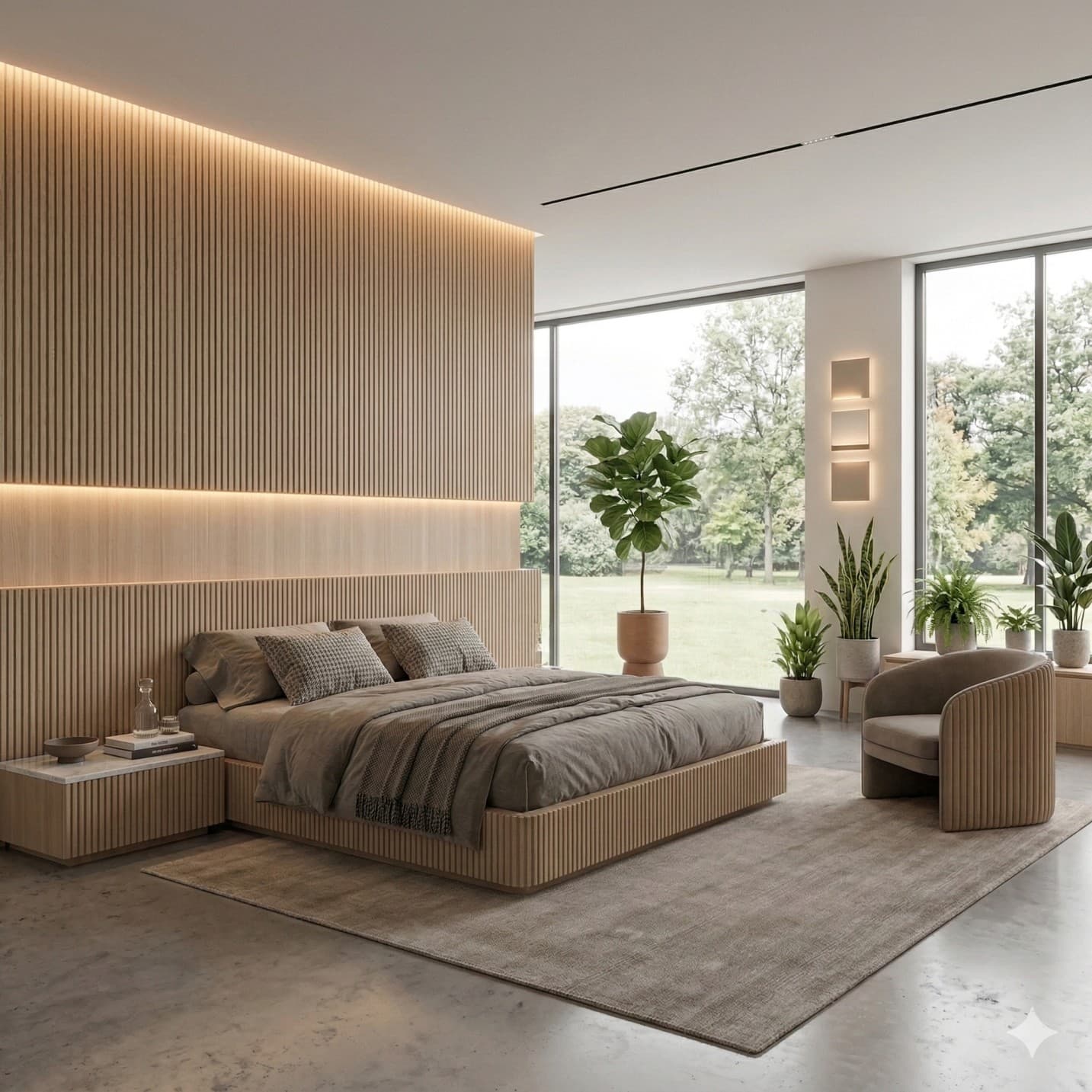
The bedroom is where soft luxury and Japandi aesthetic trends are having the most impact. Homeowners are moving away from builder-grade finishes toward layered, textured spaces that prioritize comfort and calm. AI design is particularly effective for bedroom applications:
- Bedding and textile layering in context — AI renders fabric patterns, colors, and layering more accurately than any mood board.
- Headboard scale and style — oversized, upholstered, wood panel, or cane — one of the highest-impact single-piece decisions in bedroom design.
- Lighting mood differentiation — bedrooms benefit enormously from testing warm vs. cool temperature and single-source vs. layered lighting.
- Wardrobe and storage integration — especially in smaller rooms where every square foot of wall allocation matters.
Home Office
According to a 2024 Pew Research Center survey, 75% of employed adults whose jobs can be done from home are working remotely at least some of the time. With more than one-fifth of American workers regularly working from home, home office design has shifted from a luxury consideration to a practical necessity. AI tools help homeowners test dedicated desk zone configurations, acoustic and visual separation strategies, and lighting setups optimized for video calls.
Bathroom

Bathrooms have the highest cost-per-square-foot of any residential room. A 50-square-foot bathroom remodel can easily cost $15,000 to $30,000. The 2024 Houzz & Home Study found that bathrooms now tie with kitchens as the most commonly renovated room, with 24% of homeowners undertaking bathroom renovations in 2023. AI bathroom design is most effective for tile pattern and scale testing, vanity and fixture style comparison, and color palette evaluation under artificial light conditions.
The Whole-Home Cohesion Framework: Four Anchor Decisions
The most common failure in DIY home redesign is treating each room as an independent project. Whole-home cohesion requires establishing four non-negotiable anchor decisions before any room-specific work begins:
- Anchor 1 — Primary Neutral Palette: Choose one dominant neutral, one secondary warm or cool tone, and one accent color. These three colors should appear in every room, in varying proportions.
- Anchor 2 — Flooring Continuity: Where possible, a continuous flooring material running through open-plan areas creates visual flow that no amount of furniture coordination can substitute.
- Anchor 3 — Metal Finish Consistency: Mixing brass kitchen hardware with chrome bathroom fixtures and matte black bedroom accessories creates subliminal visual noise. Selecting one or two metal finishes and applying them consistently throughout the home is one of the highest-impact low-cost decisions in whole-home design.
- Anchor 4 — Furniture Style Alignment: AI tools can reveal scale mismatches between rooms that are invisible until you see them side-by-side. Running the same style selection across multiple room inputs helps identify where your furniture collection is working against your design direction.
AI Home Design for Different Property Types
AI interior design is significantly cheaper than hiring a professional designer. Professional interior design services in the US typically cost $150–$500 per hour, with whole-home projects frequently running $10,000–$50,000 or more. AI tools provide 90%+ of the visualization value at a fraction of that cost.
Small Apartments and Studios
Small-space design is the highest-stakes application of AI visualization tools. In spaces under 600 square feet, every decision about color, furniture scale, and layout has an outsized impact on perceived spaciousness. AI tools are especially valuable in small spaces for testing optical illusions that expand perceived square footage: light color palettes that reflect light rather than absorbing it, mirrors and reflective surfaces in strategic positions, multi-functional furniture arrangements, and continuous flooring that avoids visual breaks.
Single-Family Homes
American single-family homes present unique design challenges: diverse architectural styles, varied ceiling heights, and the need to balance open-concept living with defined functional zones. AI tools benefit large-home owners most through zone definition (using color and material to create distinct visual zones in open-plan spaces), scale testing (ensuring furniture selections are proportionate to room dimensions), and style coherence (maintaining a consistent design language across rooms that may have been renovated at different times).
Condos and Luxury Apartments
Condos present a specific constraint: high-end finishes are often pre-specified by the developer, and renovation limitations mean that design changes must work with existing architecture. AI tools help condo owners test soft furnishing changes, artwork and decor strategies, and lighting upgrades that transform the feel of a space without requiring structural changes.
Frequently Asked Questions: AI Home Design
Can AI design an entire home layout?
Yes, with a systematic approach. AI home design platforms process multiple room inputs and generate coordinated design concepts that maintain a consistent aesthetic across spaces. The key is applying the Whole-Home Cohesion Framework before generating room-specific designs — establishing palette, flooring, metal finish, and furniture style anchors first ensures all room outputs work together.
How accurate are AI home design tools in 2025?
AI home design tools are highly accurate for visual planning and style exploration. Computer vision analysis correctly identifies room elements in 85–95% of cases with good input photos. Generative outputs accurately represent color relationships, material combinations, and furniture scale in most cases. For structural work (load-bearing walls, plumbing relocation), professional verification remains essential.
Can AI replace interior designers?
AI tools and professional interior designers serve partially overlapping but fundamentally distinct functions. AI excels at rapid visualization, style exploration, and cost-free iteration. Professional designers excel at structural problem-solving, code compliance, procurement management, and long-term relationship support. The most effective approach for complex projects combines both: AI for inspiration and direction-setting, professional designers for execution.
How long does AI home design take?
AI design generation takes between 15 and 60 seconds per room on leading platforms. From uploading a photo to having a complete design concept ready for review, the process takes under five minutes. Whole-home design using AI tools — covering five to eight rooms — can be completed in a single afternoon, compared to the weeks or months required for traditional design processes.
Do I need design experience to use AI home design tools?
No design experience is required. The tools are built specifically for non-professionals. The entire input process involves uploading a photo, selecting a style from a visual menu, and reviewing outputs. More experienced users can leverage dimension inputs and iterative refinement for higher accuracy, but even first-time users can generate useful design concepts in minutes.
Key Takeaways
- The global AI interior design market was valued at $1.47 billion in 2024 and is projected to reach $6.96 billion by 2032, growing at a CAGR of 21.5%.
- AI home design tools work through three integrated AI disciplines: computer vision (room analysis), generative AI (design transformation), and style classification (translating style labels into specific visual outputs).
- The Whole-Home Cohesion Framework requires four anchor decisions before room-specific design: palette, flooring, metal finish, and furniture style alignment.
- Minor kitchen remodels returned 113% ROI in 2025. Pre-renovation AI visualization directly reduces costly mid-project changes.
- AI design is 90%+ less expensive than professional interior design for the visualization and planning phase.
- The five-step design process — photograph correctly, provide dimensions, select multiple style directions, generate and compare, translate to action plan — is achievable in a single afternoon for most homes.
Conclusion
The shift from imagining a renovated space to seeing it — accurately, instantly, and iteratively — is not a minor efficiency improvement. It is a fundamental change in how design decisions get made. AI home design tools have closed the gap between inspiration and informed commitment. They give every homeowner the ability to see before they spend. To test ten ideas in the time it used to take to schedule a single consultation.
Platforms like Decory.ai represent where the market has arrived: a mobile-first, end-to-end design experience that takes a homeowner from photo upload to coordinated whole-home design concept in a single session. The complete journey — from inspiration to implementation — is now accessible to any homeowner with a smartphone and a clear idea of what they want their home to feel like.
Ready to Transform Your Space?
Use Decory's AI-powered design tools to visualize your transformation. Upload a photo and explore endless possibilities in seconds.
Try Decory AI Now