AI Kitchen Design: Visualize Your Kitchen Before Renovation (Free AI Tool)

AI kitchen design tools let you visualize remodel ideas by uploading a photo and generating photorealistic, customizable layouts instantly.
Introduction
Renovating a kitchen is one of the most rewarding — and expensive — home upgrades. But what if you could see your future kitchen before spending a dime? Thanks to next-gen AI kitchen design tools, that's now possible.
In 2024 and beyond, homeowners are ditching guesswork in favor of AI-powered kitchen remodeling. These platforms let you upload a photo of your current space and use prompts to preview design ideas like Scandinavian minimalism or rustic farmhouse charm. Some tools even allow you to swap countertops, cabinets, and backsplashes with drag-and-drop precision — all before a single hammer is lifted.
In this definitive guide, you'll learn:
- How to visualize kitchen design with AI tools (even from a photo)
- Which tools to use (and why Decory.ai leads the pack)
- The right way to prepare your kitchen image for accurate results
- How to use AI kitchen remodel ideas for layouts, styles, and lighting
- Expert tips for getting the most value from your AI design workflow
Step-by-Step AI Kitchen Remodel Workflow
AI kitchen remodels follow a 4-step workflow from capturing your space to visualizing and executing a new layout.
Whether you're tackling a DIY renovation or preparing to work with contractors, here's how to get started with AI kitchen design:
Step 1: Capture Your Current Kitchen
- Use your smartphone or DSLR to take wide-angle shots of your kitchen.
- Shoot in natural daylight to reduce glare and improve clarity.
- Remove clutter and clear counters to improve recognition by AI tools.
Expert Tip: Turn on all lights and shoot from the corners for maximum visibility of walls, cabinetry, and flooring.
Step 2: Choose the Right AI Kitchen Design Tool
Look for platforms that support:
- Photo-based rendering (e.g., “AI kitchen design from photo”)
- Prompt-based style generation
- Interactive design elements (drag-and-drop objects, color editing)
- Shoppable design links or floorplans
We'll cover the best tools below.
Step 3: Define Your Style Using Prompts
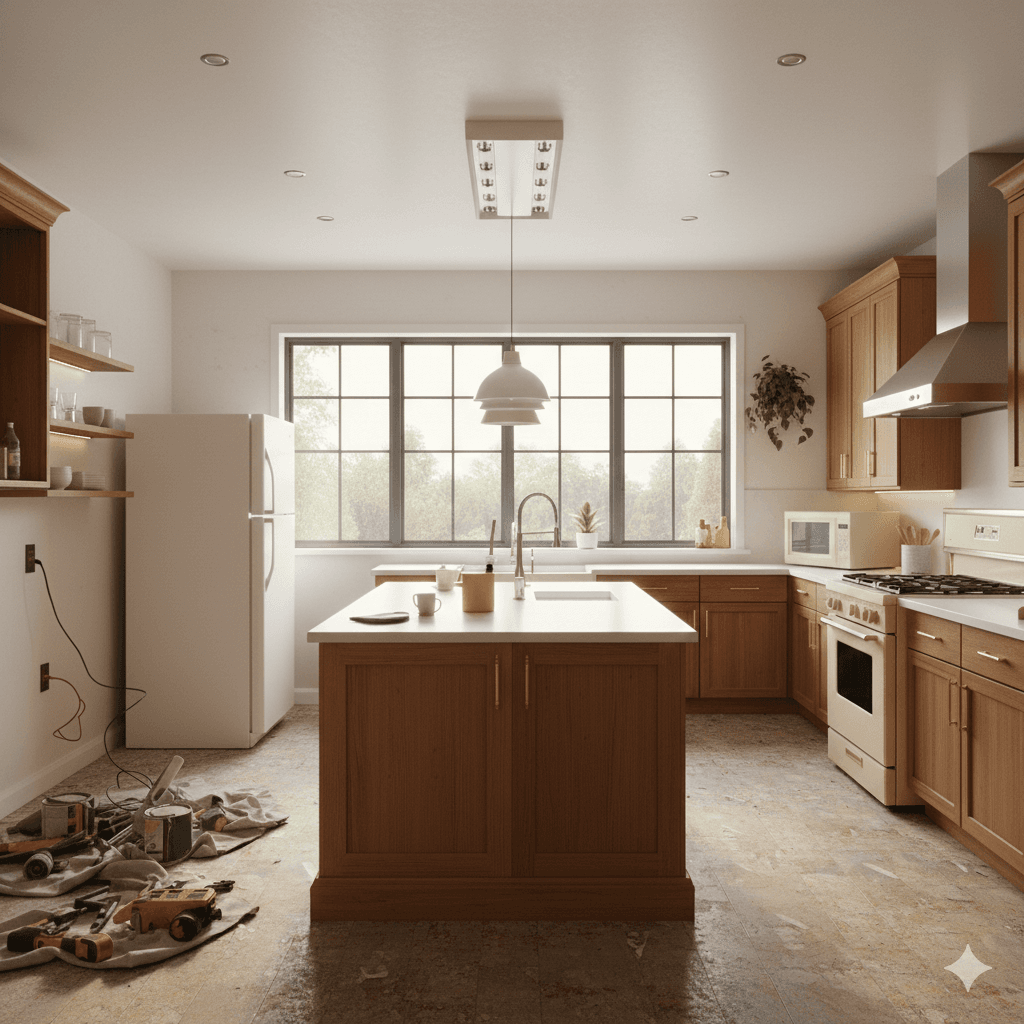
This is where the magic happens. Tell the AI what you want using prompt engineering, like:
“Modern Japandi kitchen with light oak cabinets, white quartz countertops, and recessed LED lighting.”
Or…
“Industrial kitchen with matte black fixtures, concrete island, and herringbone backsplash.”
These prompts fuel neural rendering and photorealistic AI kitchen photos that match your preferences.
Step 4: Visualize, Iterate & Apply
The tool generates multiple design versions based on your photo and prompts. You can:
- Download images for reference
- Apply changes like color swaps, layout tweaks, or appliance upgrades
- Export a design spec sheet or product list
Now let's choose the best AI design tool for your goals.
The Ultimate AI Kitchen Design Tool Comparison
Decory.ai is the most advanced AI kitchen design tool with photorealistic rendering, room-based precision, and direct shopping integration.
| Feature | Decory.ai | Planner 5D | KitchenDesign.io | REimagineHome |
|---|---|---|---|---|
| Primary Use | Full AI Interior Realization | 2D/3D Floorplans | Kitchen Concepts | Simple Visualization |
| Photorealism | Ultra-High | Basic | Medium | High |
| AI From Photo | Yes | No | Yes | Yes |
| Prompt Support | Deep NLP Engine | Limited | Moderate | Basic |
| Shoppable Design | Full Integration | No | Limited | No |
| User Experience | Intuitive & Fast | Moderate | Moderate | Easy |
| Verdict | Professional's Choice | DIY Floorplanner | Good Entry Option | Fast Inspiration |
Why Decory.ai Wins
Unlike platforms that simply “dream” ideas, Decory.ai helps you do. With real product links, ultra-realistic AI renderings, and intelligent room mapping, it bridges the gap between fantasy and execution. Whether you want a complete remodel or subtle upgrades, Decory ensures your design is accurate, stylish, and ready to shop.
Prompt Engineering: How to Talk to Your AI Kitchen Designer
Use descriptive prompts to guide AI tools toward specific kitchen aesthetics like modern, rustic, or minimalist styles.
Example Prompts:
- “Sleek Scandinavian kitchen with open shelving and pendant lighting.”
- “Bold Mediterranean kitchen with terracotta tiles and arched windows.”
- “Smart kitchen layout with ergonomic work triangle and marble island.”
The more detailed your input, the better the AI output. Keywords like materials, color tones, layout preferences, and lighting types help train the AI's spatial and aesthetic model more effectively.
Visualization Tips for AI Kitchen Photos
AI kitchen photos are most effective when taken in bright, clutter-free conditions from wide angles.
Follow these tips for optimal results:
- Declutter: Clear all countertops and remove dishware.
- Lighting: Use both natural light and overhead fixtures.
- Framing: Shoot from the room's corners for full coverage.
- Avoid: Reflections, low-res images, or tilted perspectives.
Many tools (like Decory.ai) support AR integration, letting you walk through your new kitchen before you renovate. The clearer your input, the more precise the result.
People Also Ask
How accurate are AI kitchen design tools?
Up to 90% accurate in spatial layouts, color renderings, and decor matching.
What's the best free AI kitchen design app?
Decory AI, RoomGPT and REimagineHome offer limited free features.
Is AI kitchen design secure?
Yes, platforms like Decory.ai do not store personal data or identifiable content.
Can I use AI kitchen remodel ideas with my existing layout?
Absolutely — AI adapts ideas to your room's shape and dimensions.
Conclusion: The Future of Kitchen Design is Here
With the right AI kitchen design tool, you no longer have to imagine — you can see. From uploading a photo to generating full remodel concepts, today's AI platforms empower homeowners to take control of design like never before.
Among the options, Decory.ai stands out as the most complete solution. It offers:
- The most realistic kitchen visualizations
- Prompt customization for every design style
- Shoppable product links for real-life execution
- Secure, intuitive platform for homeowners and professionals alike
Ready to Remodel?
Try Decory today and turn your kitchen vision into a photorealistic plan — before you ever lift a hammer.
Ready to Transform Your Kitchen?
Start your AI kitchen design journey today with Decory.ai. Upload a photo and see your kitchen transformed in seconds.
Try Decory AI Now