AI Living Room Design: How to See Your New Room Before You Change Anything
Quick Answer: AI living room design uses artificial intelligence to transform a photo of your current living room into photorealistic redesigns in different styles — in about 30 seconds. Upload a photo, choose a style (Modern, Japandi, Bohemian, and 12+ others), and see your actual room transformed. The Decory app does this free on iOS and Android.
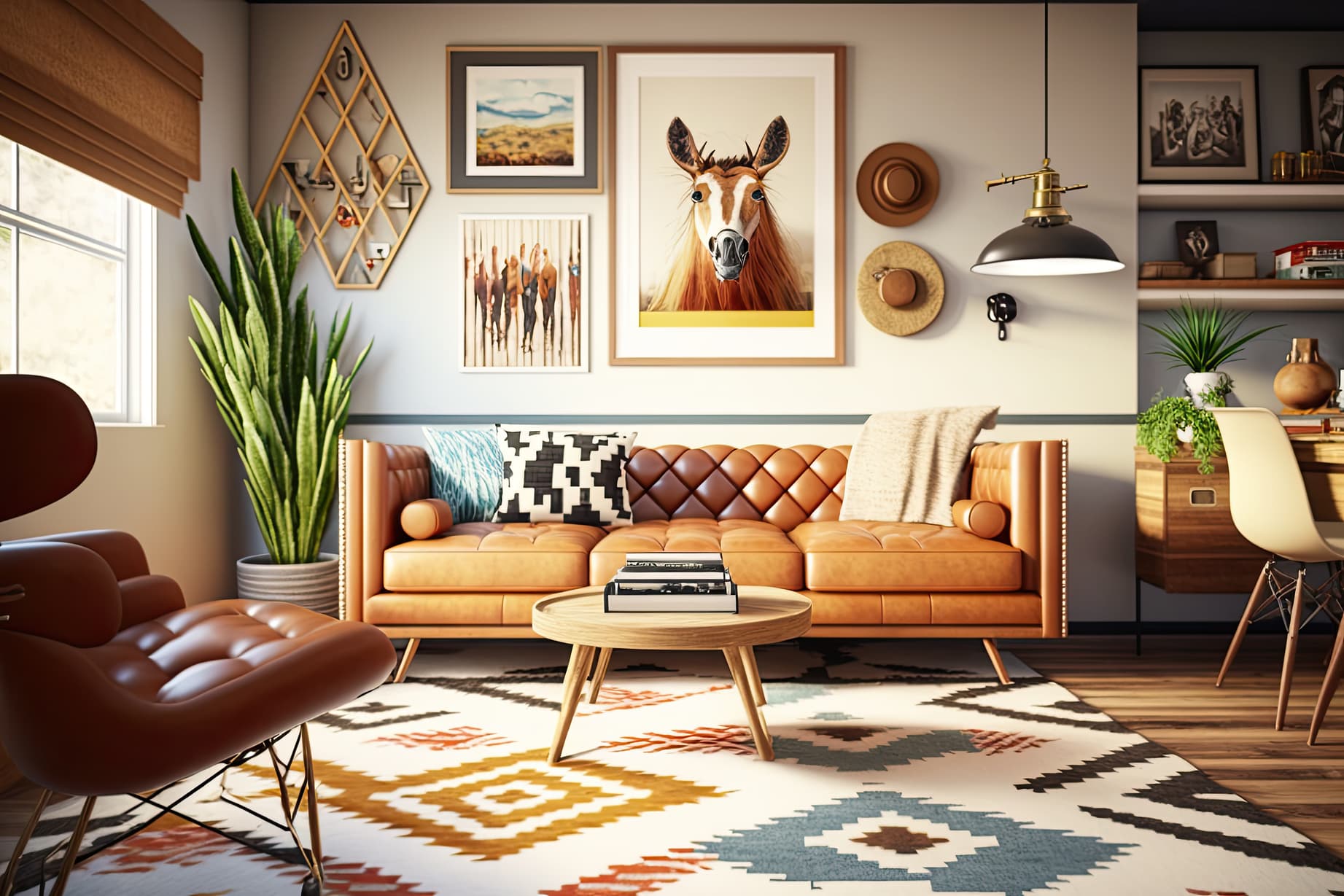
The living room is the most expensive room in your home to get wrong. A sofa costs £600–£2,400. A full living room refresh realistically costs £2,000–£8,000 in the UK, or $3,000–$12,000 in the US. And almost every homeowner has made at least one expensive mistake. The problem: most people commit to a direction before they can visualise it. A good AI room design app reverses that — you see the full result of any style direction in your actual room, in 30 seconds, before spending anything.
Published Research: SNS Insider (October 2025): The AI interior design market has grown from $1.47 billion in 2024 to a projected $6.96 billion by 2032, CAGR of 21.51%, driven primarily by homeowners replacing design consultations with AI visualisation tools.
The 6 Most Popular AI Living Room Styles in 2026
Modern
Clean lines, neutral colour palette (white, grey, warm beige), uncluttered surfaces, statement lighting.
Best for: Urban apartments, anyone who wants a spacious and professional feel.
AI accuracy: Excellent
Japandi
Low-profile furniture in warm wood tones, natural textiles, muted earth tones, minimal ornamentation.
Best for: Minimalism without coldness, small living rooms.
AI accuracy: Excellent
Scandinavian
Light colours (white, soft grey, pale wood), functional furniture, cosy textiles, natural greenery.
Best for: Limited space or natural light — engineered to make small, dark rooms feel bright and open.
AI accuracy: Very good
Bohemian
Layered textures, warm earth tones and jewel accents, eclectic mix of patterns, plants, and collected pieces.
Best for: Creative personalities, renters who want character without permanent changes.
AI accuracy: Good
Industrial
Exposed brick, raw metal finishes, concrete elements, dark wood, statement Edison bulb lighting.
Best for: Rooms with existing brick or concrete elements, dramatic transformation from neutral baseline.
AI accuracy: Very good
Coastal
Light blues and whites, natural textures (jute, linen, driftwood), airy and spacious feeling.
Best for: Bright rooms with good natural light.
AI accuracy: Excellent
How to Use AI to Design Your Living Room — Step by Step
Step 1: Take a Usable Photo
Stand in the doorway or in one corner. Capture as much of the room as possible in a single frame. Use natural daylight — mid-morning or early afternoon.
- Avoid direct sunlight flooding through windows into lens
- Avoid dark rooms lit only by artificial overhead lights
- Avoid extremely close-up shots of a single furniture piece
Step 2: Upload to Decory and Select Living Room
Open the Decory app (free on iOS and Android), tap 'New Design,' upload your photo, and select 'Living Room.' The room type selection tells the AI to apply living-room-appropriate furniture proportions and design conventions.
Step 3: Try at Least 3 Styles
Generate results for at least three different styles before deciding. Start with the style you think you want, then one you've dismissed, and one wild card. When AI applies a style to your actual room — with its real proportions — styles you've rejected often look more appropriate than styles you thought you wanted.
Cost vs Traditional Methods
| Method | Cost | Time | Risk |
|---|---|---|---|
| AI room design (Decory) | Free | 30 seconds | Zero |
| Online design service | $300–$2,000 | 1–2 weeks | Low |
| In-person designer | $1,500–$10,000+ | 2–6 weeks | Medium |
| Full renovation without planning | $5,000–$30,000+ | Weeks | High |
Frequently Asked Questions
How do I design my living room with AI?
Upload a photo of your living room to an AI design app like Decory, choose a design style, and generate a photorealistic redesign in about 30 seconds. No design experience required.
What is the best AI tool for living room design?
The Decory app (free on iOS and Android) is a dedicated AI living room design tool with 500,000+ downloads, 15+ styles, and photorealistic results in ~30 seconds.
Can AI design a small living room?
Yes. AI design tools work well on small rooms and naturally suggest proportionally correct furniture — preventing the most common small-room mistake of oversized furniture.
Is AI living room design free?
Decory is free to download on iOS and Android; generating a living room redesign requires a Premium subscription. Some competing tools offer free tiers.
What living room styles can AI generate?
AI living room design tools can generate styles such as Modern, Japandi, Scandinavian, Bohemian, Industrial, Coastal, and other popular interior design styles.
Your living room redesign starts with a photo, not a budget
See every style direction in your actual room — before spending a penny.
Design My Living Room Free →