AI Room Design: The Complete 2026 Guide (Free Tool Inside)
Quick Answer: AI room design uses artificial intelligence to transform a photo of your existing room into photorealistic redesigns across multiple styles — in under 30 seconds. Upload a photo, choose a style, and see your room reimagined before spending anything. The Decory app does this free on iOS and Android.
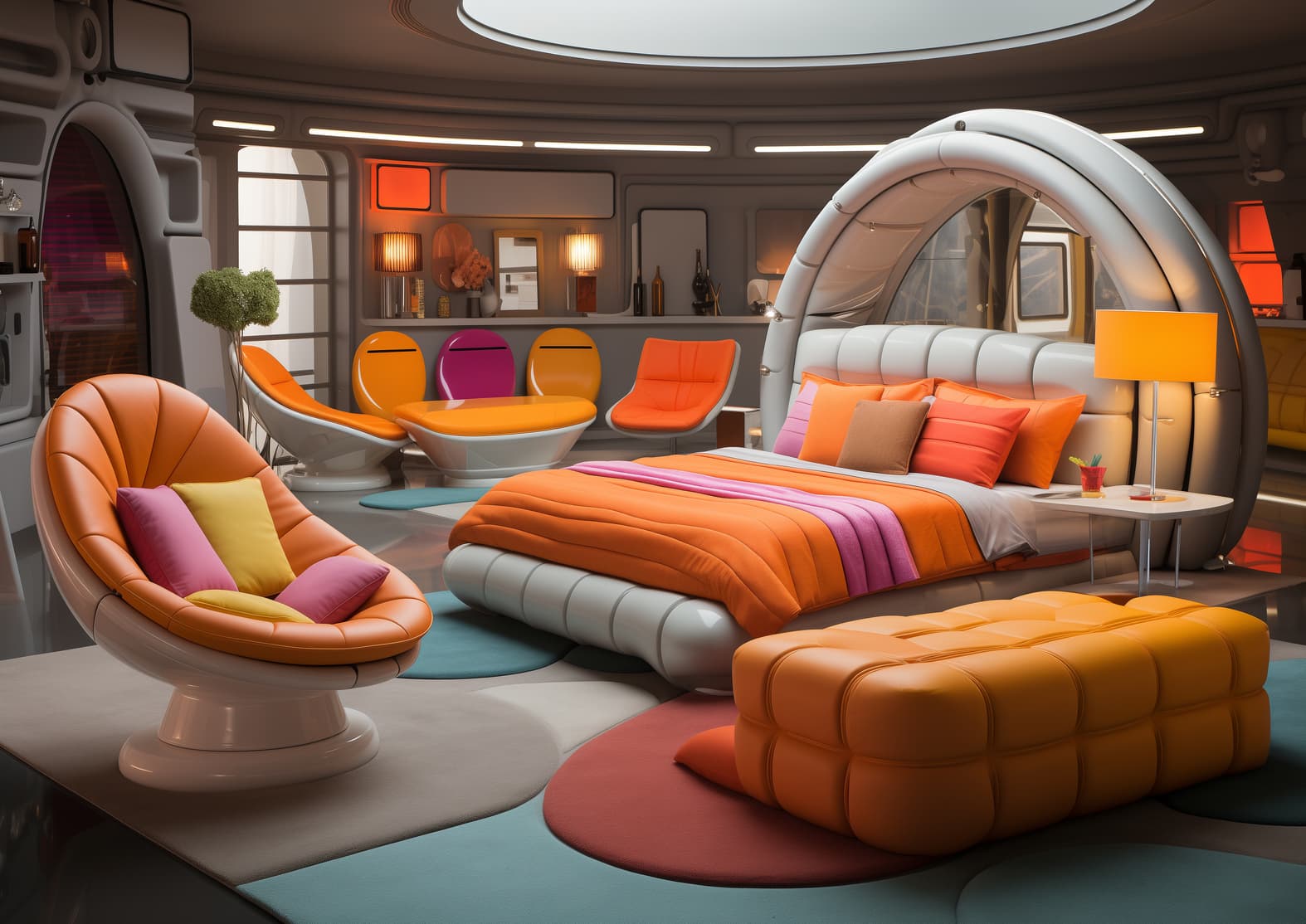
You've stared at the same room for two years. You know something needs to change — the sofa colour feels wrong, the layout is awkward, the whole space just doesn't work anymore. But redesigning feels risky. What if you spend £800 on a new sofa and it still looks off? The answer is to see the result before you spend anything. That's exactly what a good free AI room design app does — it gives you a photorealistic preview of your actual room in any style, in about 30 seconds, at no cost.
Published Research: SNS Insider (October 2025): Global AI Interior Design Market valued at $1.47 billion in 2024, projected $6.96 billion by 2032, CAGR 21.51%.
What Is AI Room Design?
AI room design is the use of artificial intelligence to analyse a photograph of a real room and generate photorealistic redesigns based on chosen styles, colour palettes, and furniture types. You upload a photo. The AI maps the room's structure — walls, windows, floor dimensions, existing furniture positions — and uses that structural data as a fixed frame. It then applies a new design layer: different furniture, new colour palette, updated flooring, changed lighting — all rendered photorealistically in about 30 seconds.
Traditional interior design services charge between $50 and $500 per hour for concept work alone. The global AI interior design market was valued at $1.47 billion in 2024 and is growing at a 21.51% CAGR through 2032.
How AI Room Design Works — Step by Step
Step 1: Photograph Your Room
The quality of your input photo determines the quality of your result:
- Shoot from a corner, capturing as much of the room as possible
- Use natural daylight — harsh artificial light flattens depth perception
- Remove obvious clutter — the AI works better with a clear baseline
- Avoid extreme angles — a straight-on perspective gives the AI cleaner structural data
Step 2: Upload to a Dedicated AI Design Tool
Upload your photo to a dedicated AI room design app. General-purpose AI image generators (Midjourney, DALL-E) are not built for room design — they produce artistic images that don't match your actual space. Use a tool specifically designed for interior photo transformation.
Step 3: Choose a Design Style
The most popular styles for AI room redesign in 2026:
- Modern — clean lines, neutral palette, functional furniture
- Japandi — Japanese minimalism meets Scandinavian warmth; warm woods and natural textures
- Bohemian — layered textiles, earth tones, eclectic mix
- Scandinavian — light colours, natural materials, cosy minimalism
- Industrial — exposed metal, raw textures, urban edge
- Coastal — ocean-inspired blues, natural linen, airy spaces
Step 4: Generate and Compare
Generate 2–3 variations before deciding. Review critically: does the room structure look accurate? Does the new style suit the room's proportions?
Step 5: Refine or Download
Most tools allow targeted editing — swapping a single piece of furniture, changing wall colour — without regenerating the entire image. Download in high resolution to share with a contractor, partner, or furniture retailer.
AI Room Design by Room Type
Living Room
Living rooms are the highest-volume AI room design use case — the most expensive to get wrong and the one visitors see first. AI living room design tools preserve your room's actual proportions and window positions, ensuring results are specific to your space rather than generic.
Bedroom
A November–December 2024 survey of 2,674 Americans found 38% reported improved sleep quality after changing bedroom colour. AI bedroom design lets you preview sleep-conducive colour palettes in your actual bedroom before painting a single wall.
Kitchen
The US NKBA reports average full kitchen renovation costs between $15,000 and $50,000. AI kitchen design from photo was built specifically for evaluating cabinet colours, countertop materials, and flooring options before any contractor is engaged.
What AI Room Design Can and Cannot Do
✓ What it does well
- Visual style exploration in your actual room
- Risk reduction before purchasing
- Results in 30 seconds vs weeks
- Free or low-cost vs $100–500/hr designers
- Compare 5 directions from one photo
✗ What it cannot do
- Structural planning (load-bearing walls, plumbing)
- Accurate measurements for contractor briefs
- Material sourcing and product availability
- Project management
Frequently Asked Questions
What is AI room design?
AI room design is the process of using artificial intelligence to transform a photograph of an existing room into photorealistic redesign concepts across different styles. You upload a photo, select a design style, and receive a visualised result of your actual room — typically in 30 seconds or less.
Is AI room design free?
Decory is free to download on iOS and Android, and generating designs requires a Premium subscription. Several competing tools do offer free tiers.
What is the best free AI room design app in 2026?
Decory is the highest-rated free AI room design app on iOS and Android in 2026, with 500,000+ downloads, 4.4 App Store rating, 15+ styles, and photorealistic results in ~30 seconds.
Do I need any design experience?
No. The entire workflow — upload photo, select style, generate result — requires zero design knowledge or software skills.
Start with a photo, not a budget
Before you spend a penny on furniture, paint, or a designer — spend 30 seconds seeing what your room actually looks like in the style you're considering.
Try Decory Free →