AI Bedroom Design: The Sleep-Science Guide to Getting It Right
Quick Answer: AI bedroom design uses artificial intelligence to transform a photo of your existing bedroom into photorealistic redesigns in sleep-optimised styles. Upload a photo, choose from 20+ curated styles including Japandi, Scandinavian, and Modern, and see your room transformed in 30 seconds. The Decory app does this on iOS and Android — free to download, with a Premium subscription required to generate designs.
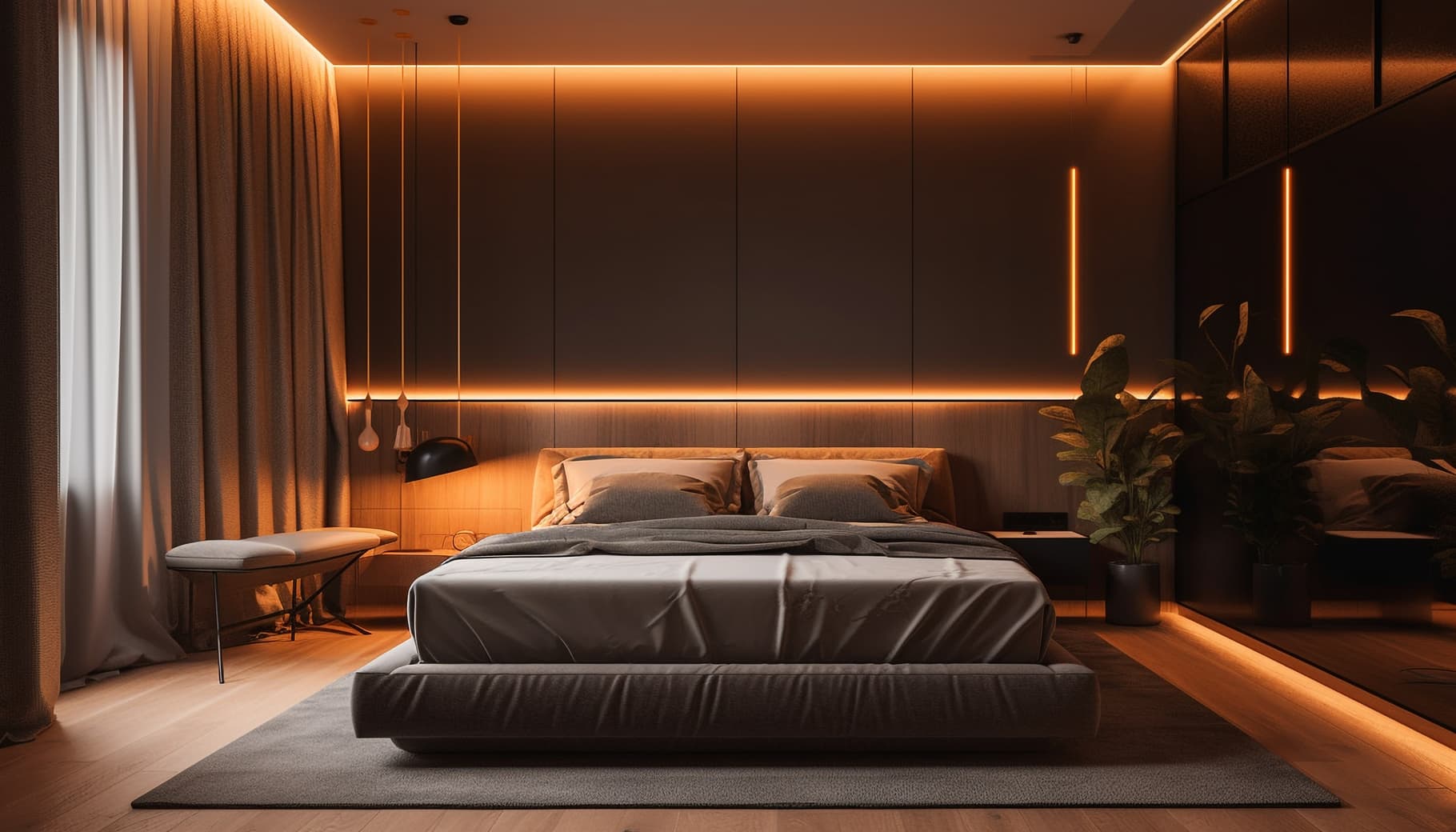
Most people design their bedroom for appearances. The research suggests they should design it for sleep. A November–December 2024 nationwide survey of 2,674 Americans found that 38% of respondents reported improved sleep quality after changing their bedroom colour. A 2023 narrative review published in Building and Environment identified bedroom design as a direct determinant of sleep quality and daytime wellbeing.
Published Research (1): BedroomZZ & Houszed.com survey (Nov–Dec 2024): 38% of 2,674 US respondents reported improved sleep quality after changing bedroom colour. Sleep Review Magazine, January 2025.
Published Research (2): Lomas, K.J. & Porritt, S.A. (2023). Exploring the nexus between bedroom design and sleep quality in a warming climate. Building and Environment, Volume 245, ScienceDirect.
The Sleep Research Case for Better Bedroom Design
- Colour affects sleep duration. Participants with blue and green bedrooms reported the longest average sleep durations — documented by the Sleep Foundation.
- Visual complexity disrupts sleep. The 2023 ScienceDirect review found rooms with high visual stimulation corresponded with longer sleep latency (time to fall asleep).
- The envelope method works. Painting walls, ceiling, and baseboards the same muted shade eliminates high-contrast lines — the most commonly cited change associated with improved sleep in the 2024 survey.
The Best AI Bedroom Design Styles in 2026
Japandi
Most Recommended for SleepLow-profile bed frame in warm wood, natural textiles, muted earth tones, minimal ornamentation. Japandi's philosophy centres on wabi-sabi — finding calm in simplicity.
AI accuracy: Excellent
Scandinavian
Best for Small BedroomsLight wood furniture, white and soft grey walls, functional storage, cosy textiles. Scandinavian's light palette minimises harsh contrast.
AI accuracy: Very good
Modern Minimalist
Best for Reducing Visual ComplexityClean surfaces, neutral palette, no decorative excess. Directly addresses the visual complexity finding from the 2023 ScienceDirect review.
AI accuracy: Excellent
Coastal
Best for Calm Colour PaletteLight blues and soft whites — colour categories associated with longer sleep duration in Sleep Foundation data. Natural textures add warmth without stimulation.
AI accuracy: Very good
Bohemian
Best for RentersLayered textiles, earth tones, plants. Can be implemented largely through bedding, soft furnishings, and non-permanent elements — useful for renters restricted from painting.
AI accuracy: Good — generate 2-3 variations
How to Use AI Bedroom Design — Step by Step
Step 1: Take a Photo That Captures the Full Room
Stand in the bedroom doorway. Frame the shot to include the entire bed wall — the primary focal point AI tools use to anchor furniture proportions. Use natural daylight. Remove obvious clutter from the bed and floor but leave furniture in place — the AI needs to understand your room's current scale.
Step 2: Upload and Choose Room Type
Open the Decory app, tap 'New Design,' upload your photo, and select 'Bedroom.' The room type classification tells the AI to apply bedroom-appropriate furniture proportions — bed frames, nightstands, wardrobes — rather than living room furniture.
Step 3: Generate and Compare Sleep-Optimised Styles
Generate at least two styles from different ends of the palette spectrum. Note how your bedroom's natural light interacts with each palette — lighter Scandinavian and Japandi palettes tend to amplify natural light, while darker Industrial or Maximalist palettes absorb it. This matters for both aesthetics and sleep quality.
Frequently Asked Questions
Can AI bedroom design actually improve my sleep?
AI bedroom design helps you visualise and implement sleep-science-backed design choices — calm colour palettes, reduced visual complexity, appropriate lighting — before spending money. 38% of survey respondents reported improved sleep after changing bedroom colour (BedroomZZ/Houszed.com, 2024).
What bedroom colours does sleep science recommend?
The Sleep Foundation data identifies blue and green bedrooms as associated with the longest sleep durations. Calm, muted palettes with low visual contrast are consistently associated with better sleep across multiple studies.
What does Decory's AI bedroom design cost?
Decory is free to download on iOS and Android. Generating a bedroom redesign requires a Premium subscription.
What bedroom styles does Decory support?
Decory supports 20+ curated styles including Japandi, Scandinavian, Minimalist, Bohemian, Coastal, Industrial, Modern, and more — all included with Premium.
Can I edit the AI-generated bedroom design?
Yes. Decory includes an editing layer that lets you swap furniture pieces, change wall colours, and adjust decor items within generated designs.
Design your bedroom for better sleep
Upload your bedroom photo and preview sleep-optimised styles in your actual room before changing a thing.
Download Decory Free →