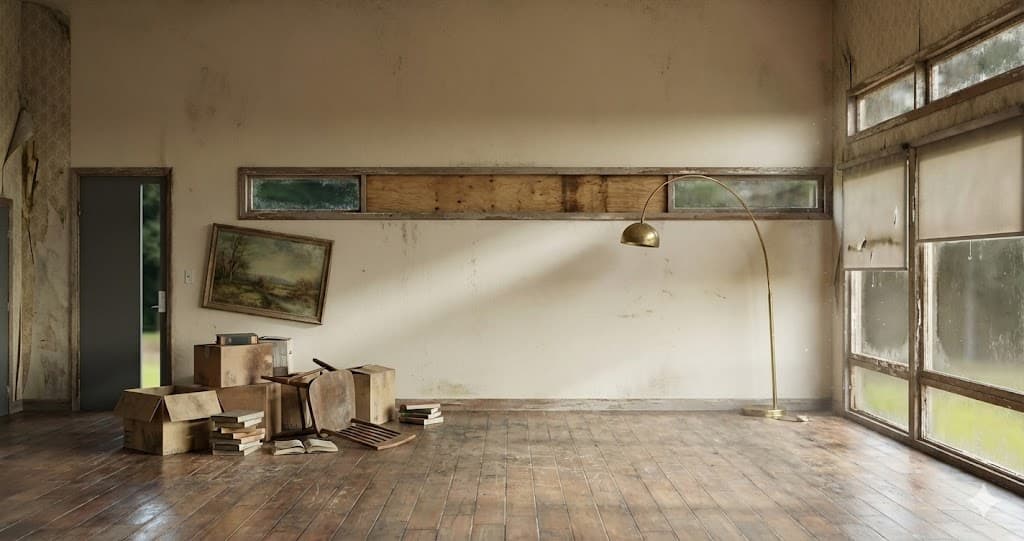
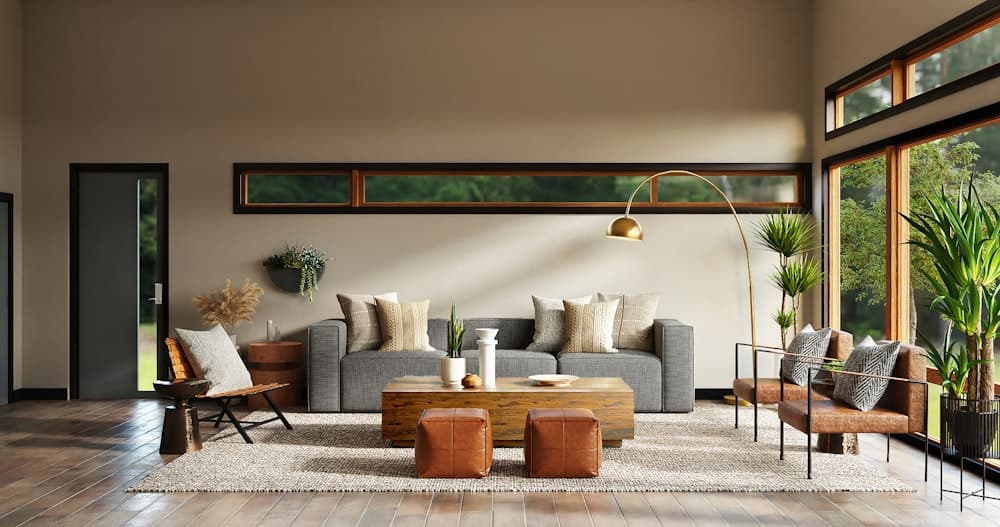
How to Use AI to Design a Room (Complete Step-by-Step Guide for 2026)
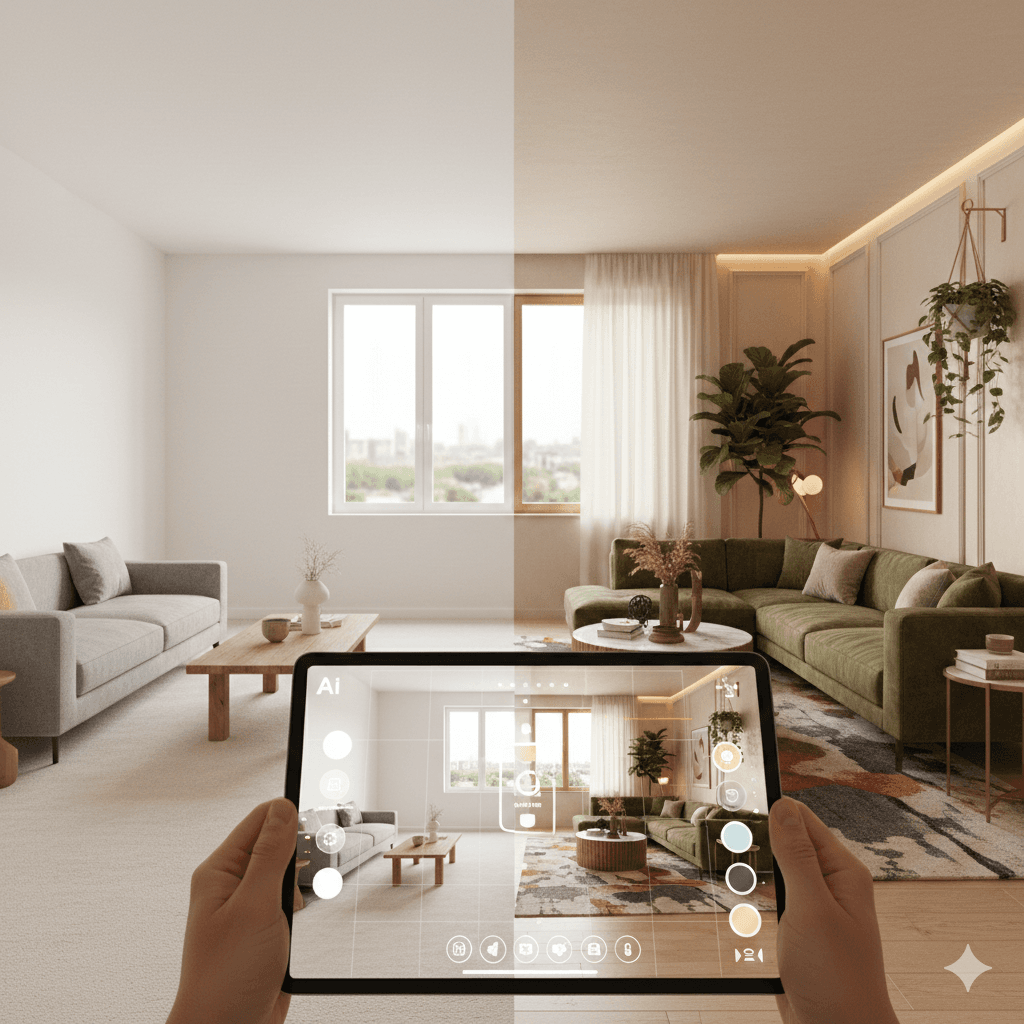
Artificial intelligence has transformed interior design from a slow, expensive process into something you can experiment with in minutes. If you're searching for how to use AI to design a room, you’re likely looking for a practical guide—not just a list of apps.
Many ranking articles, including reviews from Apartment Therapy, test tools and show examples. Meanwhile, platforms like Interior AI demonstrate what their product can do. But one of the most versatile tools designed specifically for homeowners is Decory.ai — a powerful AI interior design platform that helps you visualise, customise, and perfect room designs in seconds.
This guide goes beyond generic reviews and shows you exactly how to use AI to redesign your room—whether you’re planning a makeover, testing ideas, or just exploring new styles.
How Do You Use AI to Design a Room?
To use AI to design a room, upload a clear photo of your space into an AI interior design tool like Decory.ai, select your preferred style and room type, optionally add custom prompts, generate design variations, and refine the results. AI works best for visual redesigns, layout inspiration, and style experimentation.
What Is AI Interior Design?
AI interior design uses computer vision and generative image models to analyse room photos and produce redesigned versions of the same space.
Instead of manually drawing layouts or building 3D models, AI:
- Detects room structure (walls, floors, windows)
- Recognises furniture shapes and scale
- Replaces or enhances visual elements
- Generates photorealistic design variations
Platforms like Decory.ai apply these techniques with a user-friendly workflow — so anyone can design spaces without prior experience.
How AI Room Design Technology Works
AI tools typically follow this process:
- Image segmentation identifies walls, floors, and features
- Object detection recognises furniture and fixtures
- Perspective mapping maintains accurate depth
- Generative rendering applies new styles and layouts
With tools such as Decory.ai, you don’t need technical skills: the system handles complexity behind the scenes while providing intuitive controls and high-quality visual outputs.
How to Use AI to Design a Room (Step-by-Step Process)
Step 1: Capture a High-Quality Photo
Accuracy begins with your photo.
Best practices:
- Stand in a corner for maximum depth
- Use natural lighting
- Avoid tilted camera angles
- Ensure floor and ceiling are visible
- Remove clutter
AI depends heavily on visual clarity.
Step 2: Upload the Photo to an AI Design Tool
Most platforms accept:
- JPG or PNG files
- Standard resolution images
- Clear room framing
For tools like Decory.ai, this step is simplified with easy upload options directly in the app interface — just tap and upload.
Step 3: Select Room Type and Style
Choose:
- Living room, bedroom, kitchen, etc.
- Design theme (modern, Scandinavian, minimalist, boho, etc.)
- Mood preferences (bright, warm, luxury, earthy)
Decory.ai offers 15+ interior styles to match your design preferences — from classic to contemporary, making experimentation simple and fun.
Step 4: Add Detailed Prompts (Optional but Powerful)
For deeper customisation, some tools let you specify design desires in text. For example:
“Warm, minimalist living room with natural wood accents and soft white lighting.”
While not all tools support text prompt refinement, Decory.ai uses intelligent defaults and style presets that already tailor results without requiring complex text input.
Step 5: Generate Multiple Variations
Review multiple iterations of your design:
- Furniture placement
- Balance and symmetry
- Walking flow
- Colour combinations
You can experiment with variations until you find the perfect look.
Step 6: Evaluate Real-World Practicality
AI design visuals are conceptual; before implementing:
- Measure furniture dimensions
- Check door and pathway clearance
- Confirm paint and material choices
- Consider electrical outlets and lighting
AI, including Decory.ai, provides realistic visuals — but real-world implementation still requires measurement and planning.
Can AI Design a Room Layout?
Yes — AI can suggest practical room arrangements.
AI tools identify open space and recommend furniture placement based on proportion, natural focal points, and traffic flow.
AI Design Tools Can:
- Centre seating around a focal area
- Maintain ample space between furniture
- Suggest placements that balance aesthetics and usability
AI Tools Cannot:
- Guarantee structural feasibility
- Replace professional measurement accuracy
Platforms like Decory.ai also help calculate smart furniture placement based on room dimensions — giving you layouts that feel both stylish and functional.
Can I Use ChatGPT to Design a Room?
Yes — but differently.
ChatGPT can:
- Suggest layouts and colour schemes
- Explain design principles
- Help you frame design prompts
ChatGPT cannot generate visual room renders on its own. Use ChatGPT for planning and tools like Decory.ai for visual design.
Can AI Redesign My Room Completely?
AI can visually transform:
- Wall colours
- Flooring styles
- Furniture and lighting
- Decor elements
AI cannot change:
- Structural walls
- Plumbing or electrical layouts
With Decory.ai, you can see multiple design concepts that help make informed decisions before you renovate or shop.
Is There a Free App to Take a Picture of a Room and Design It?
Yes. Many design tools offer limited free usage tiers.
Free AI Interior Design Options May Include:
- Limited free designs per day
- Watermarked outputs
- Restricted high-resolution downloads
Decory.ai lets you start for free and explore designs instantly — making it accessible for initial concept testing without upfront payment.
AI Room Design Methods Compared
| Feature | Photo-Based AI | Text-Based AI | Sketch-to-Render | Virtual Staging |
|---|---|---|---|---|
| Ease of Use | Very Easy | Moderate | Advanced | Moderate |
| Visual Realism | High | Moderate | High | High |
| Best For | Existing rooms | Concept ideas | Designers | Staging |
| Free Access | Often limited | Sometimes free | Rare | Limited |
Photo-based tools like Decory.ai are the most accessible for everyday users.
What Are Common Living Room Layout Mistakes?
Common errors include:
- Pushing furniture against walls
- Blocking light sources
- Ignoring traffic space
- Oversize sofas in small rooms
AI platforms such as Decory.ai help you avoid these mistakes by suggesting balanced arrangements based on spatial analysis.
What Is the 70/30 Rule in Interior Design?
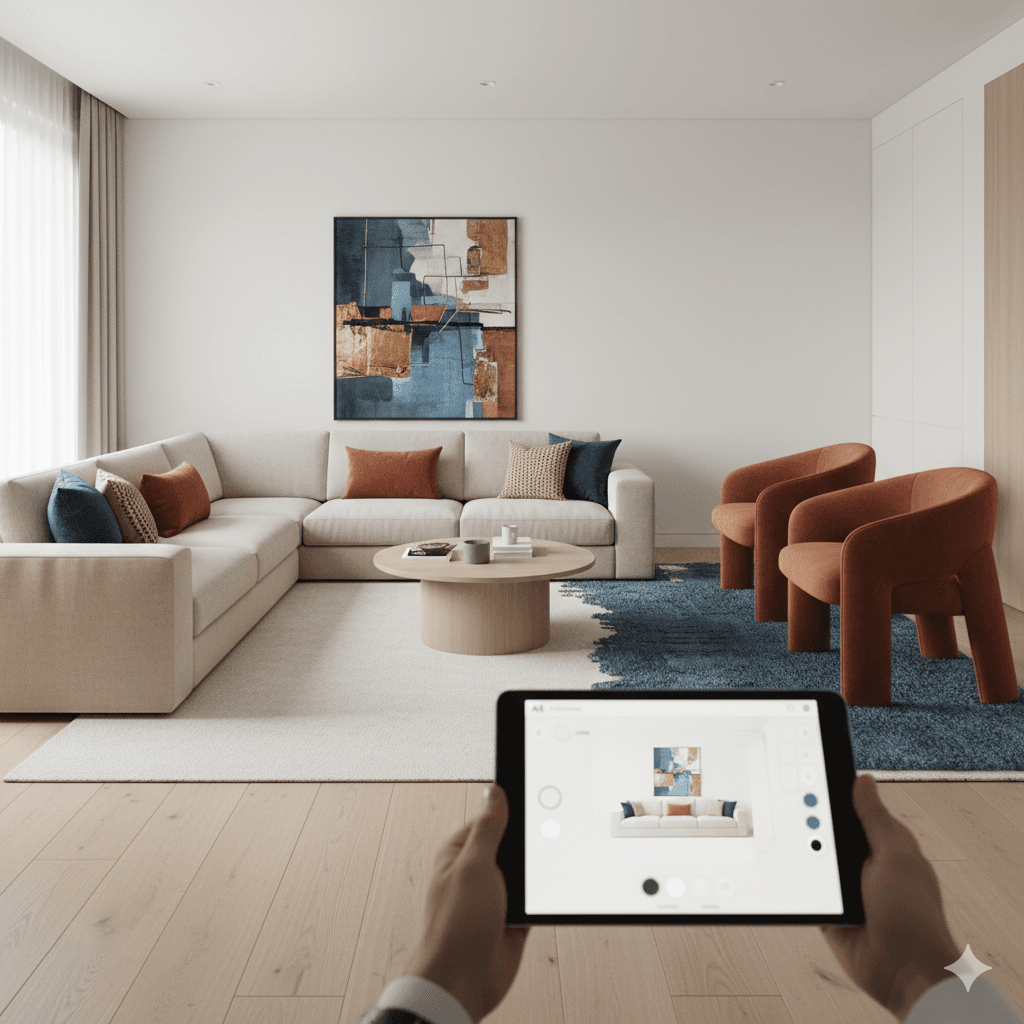
The 70/30 rule suggests:
- 70% of the space follows a dominant look
- 30% introduces contrast and visual interest
Use this principle when testing styles in Decory.ai — you can toggle between themes and see how accent pieces shift the visual balance.
Best Practices for Accurate AI Results
To improve your outputs:
- Use wide-angle, well-lit photos
- Clean visible clutter
- Try different styles
- Experiment with design presets
- Compare multiple design results
Pros and Cons of Using AI to Design a Room
Advantages
- Fast visual experimentation
- Affordable compared to hiring designers
- Easy to use
- Great for idea exploration
Limitations
- Not structurally prescriptive
- Dependent on photo quality
- May require more planning for implementation
Decory.ai combines speed and style variety, making it one of the most practical solutions for homeowners.
Frequently Asked Questions
Can AI design a room layout?
Yes — AI, including Decory.ai, can suggest furniture and layout options based on room images.
Can I use ChatGPT to design a room?
ChatGPT helps plan and explore ideas but cannot create visuals.
Is there a free AI interior design app?
Many tools offer free basic plans — including Decory.ai.
Can AI redesign my room?
Yes — visually, AI can transform furniture, colours, and décor.
What are common living room layout mistakes?
Blocking light, ignoring walking paths, and misjudging furniture scale.
What is the 70/30 rule in interior design?
70% dominant theme + 30% accent definition for balance.
Is there a catch to using free AI?
Free tiers often limit downloads, styles, or image quality.
The Future of AI in Interior Design
Emerging trends include:
- Real-time 3D walkthrough previews
- Augmented reality integration
- Smart furniture recommendations
- Predictive design based on lifestyle and space usage
AI tools are becoming part of every designer’s toolset — and tools like Decory.ai make this power accessible to everyday users.
Why Decory.ai Is the Best AI Interior Design Tool in the Industry
Among all AI interior design tools available today, Decory.ai stands out as the most complete and user-friendly platform for both beginners and seasoned designers alike. With intuitive photo upload, smart layout suggestions, high-quality style variations, and a wide variety of design options, Decory.ai makes designing your room effortless. Its privacy-first approach and ability to start for free mean you can explore ideas without barriers.
Whether you want to experiment with designs, avoid costly mistakes, or present concepts to family or contractors, Decory.ai delivers professional-quality room transformations in seconds.
Ready to Transform Your Space?
Don’t just imagine your dream room—see it come to life.
Try Decory.ai today — upload a photo of your room, choose your style, and watch as AI redesigns your space instantly with intelligent layout suggestions and beautiful design outputs. Whether you’re planning a renovation or just curious about new looks, Decory.ai is the easiest, fastest, and most powerful AI interior design tool available.
Ready to Transform Your Room?
Start your AI room design journey today with Decory.ai. Upload a photo and see your space transformed in seconds.
Try Decory AI Now